Flova Logo

Your All-in-One Video Agent

AI TikTok Video Generator for a Fresh Take on Your Idea

Start with something worth showing: a surprising reveal, a product detail, or a small story. Flova AI TikTok video generator connects your concept with a storyboard, generated scenes, audio, and revisions. Guide Flova Agent through the creative choices and build a video with a point of view.

Turn Ideas and Photos into Original TikTok Videos

Plan Your Opening and Storyboard with Flova Agent

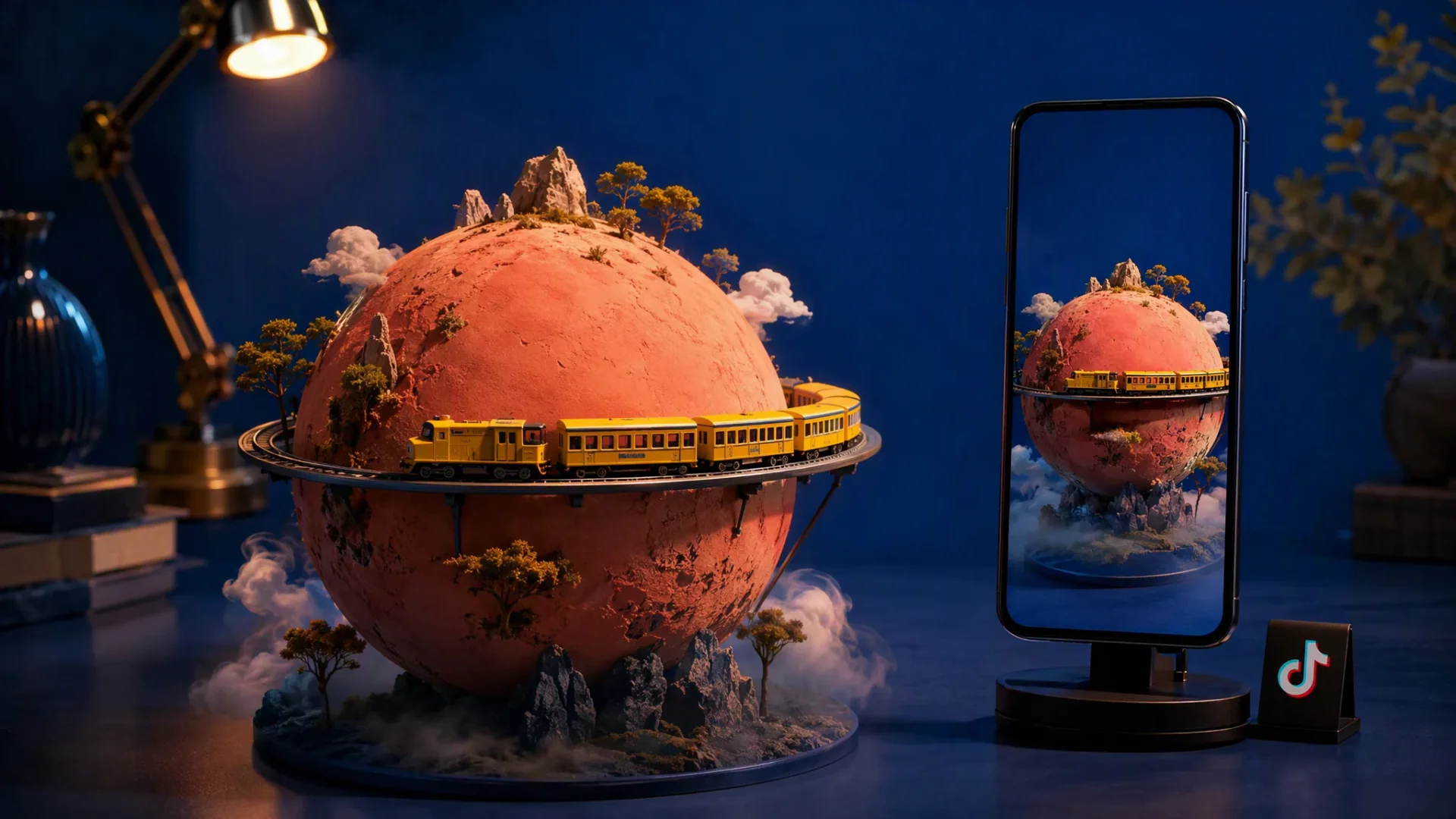
Start with a curiosity, contrast, or change. Flova AI TikTok video generator develops a scene plan around that opening, connecting the first image to the next discovery. Give the video a clear idea that viewers can follow from the reveal to the ending.

Create TikTok Video Now

Guide Your TikTok Video with Image and Video References

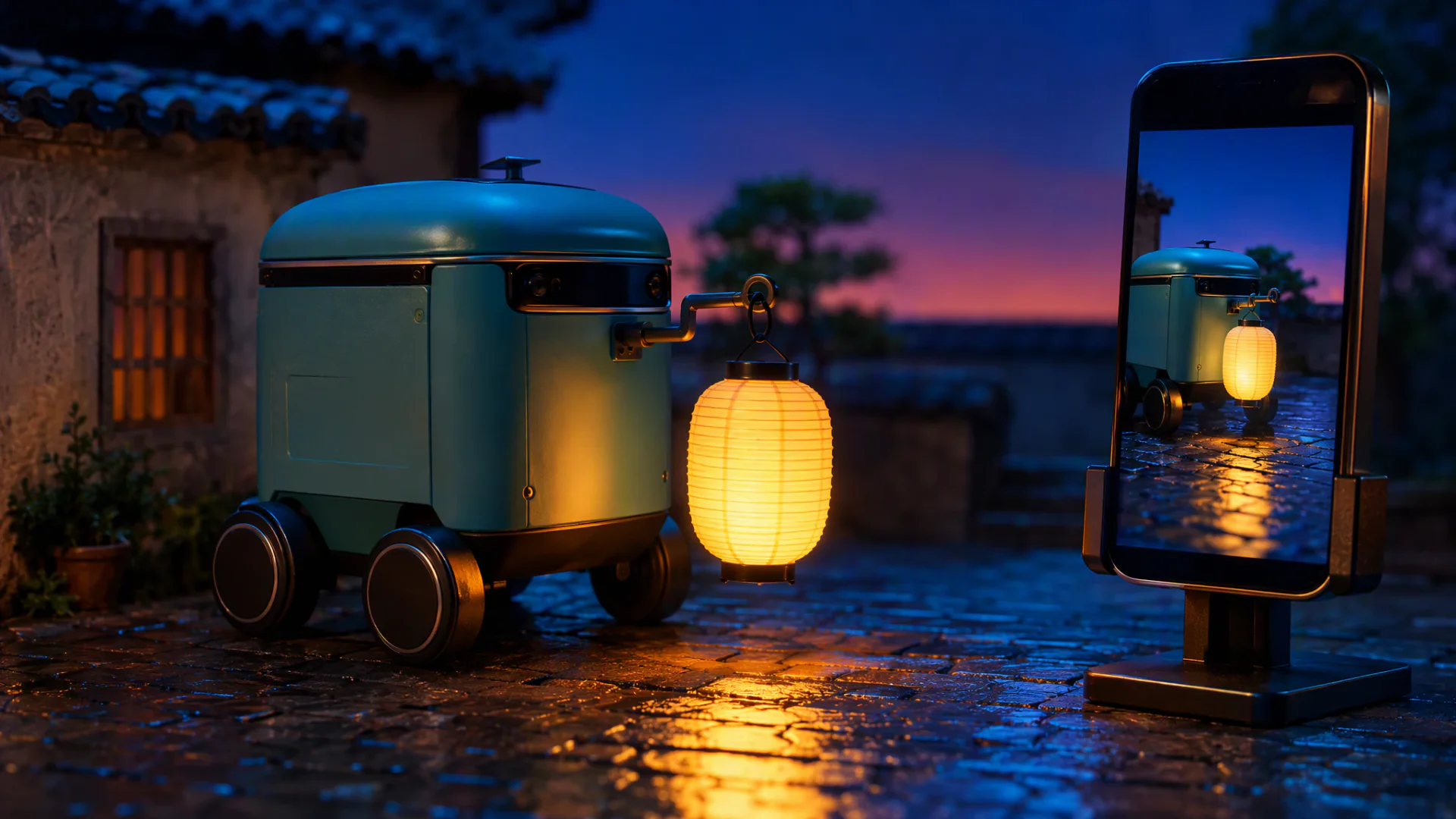
Upload images or videos to show Flova Agent the look and motion you have in mind. As a TikTok AI video generator, Flova analyzes composition and visual style in images, plus camera movements, subject motion, and pacing in videos, then applies those cues to your own scenes. Tell the Agent which details to carry over and what to change for your story.

Create TikTok Video Now

Keep Your Brand Recognizable with Photo References

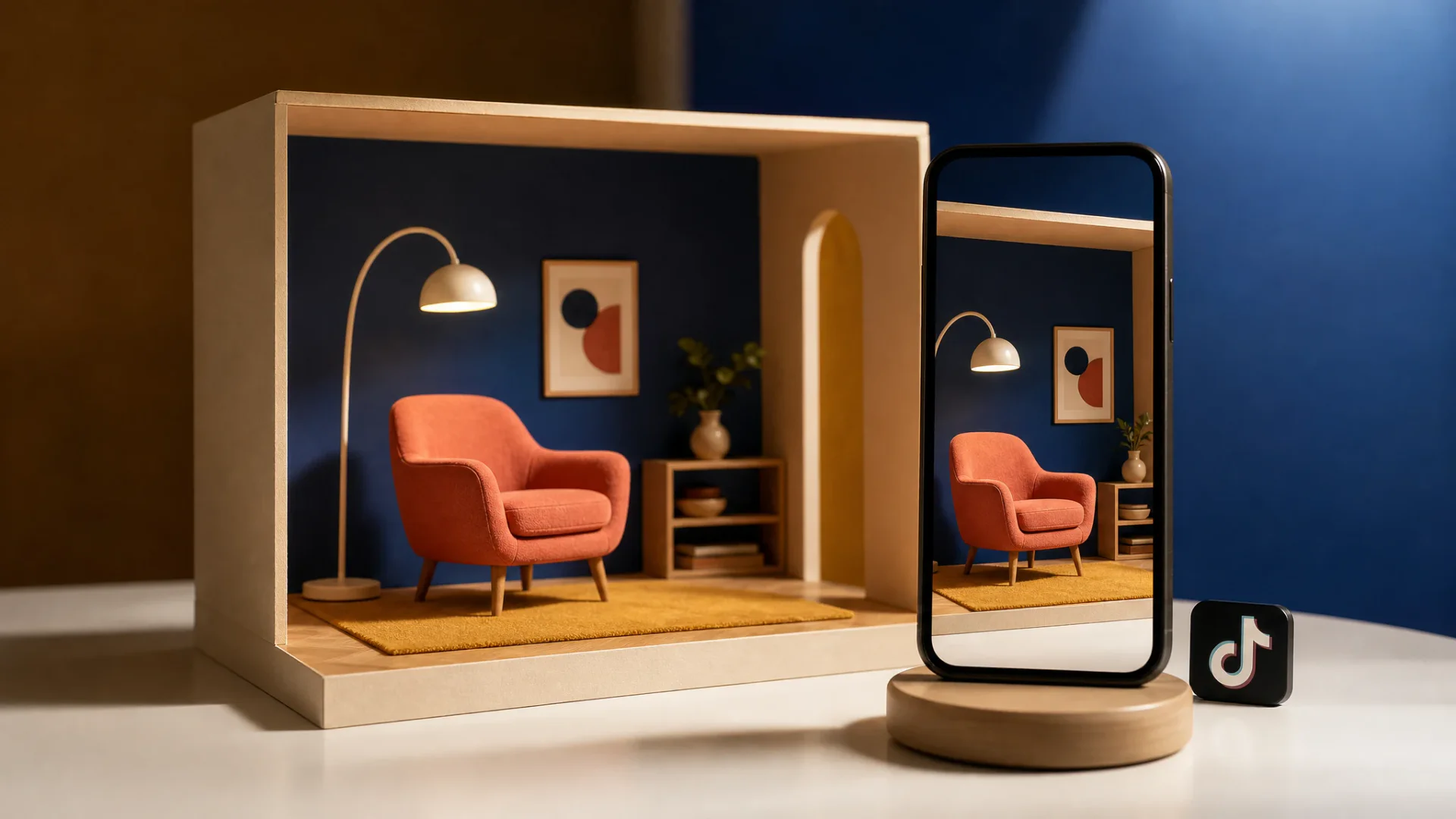
Use product photos and notes about shape, color, and visible features to guide the scene. For AI video ad creation, combine those references with a campaign brief in Flova and develop creative variations for different messages.

Create TikTok Video Now

Edit TikTok Scenes, Voiceover, and Music in One Place

Develop narration, music, shot order, and timing within one project. Flova supports script-to-video creation, bringing scenes and audio together while the Edit timeline gives you control over clip duration, cuts, and volume.

Create TikTok Video Now

Create Your Next Viral AI TikTok Video with Flova Skills

Use reusable Flova Skills for a creative approach you want to revisit: a reveal structure, a visual treatment, or a review process. An AI TikTok video maker brief can preserve those rules while changing the subject, setting, and story for each new video.

Explore Flova Skills Explore Flova Skills

Original Concepts for Creative Goals with Flova AI Video Generator for TikTok

Product Reveals and Brand Stories

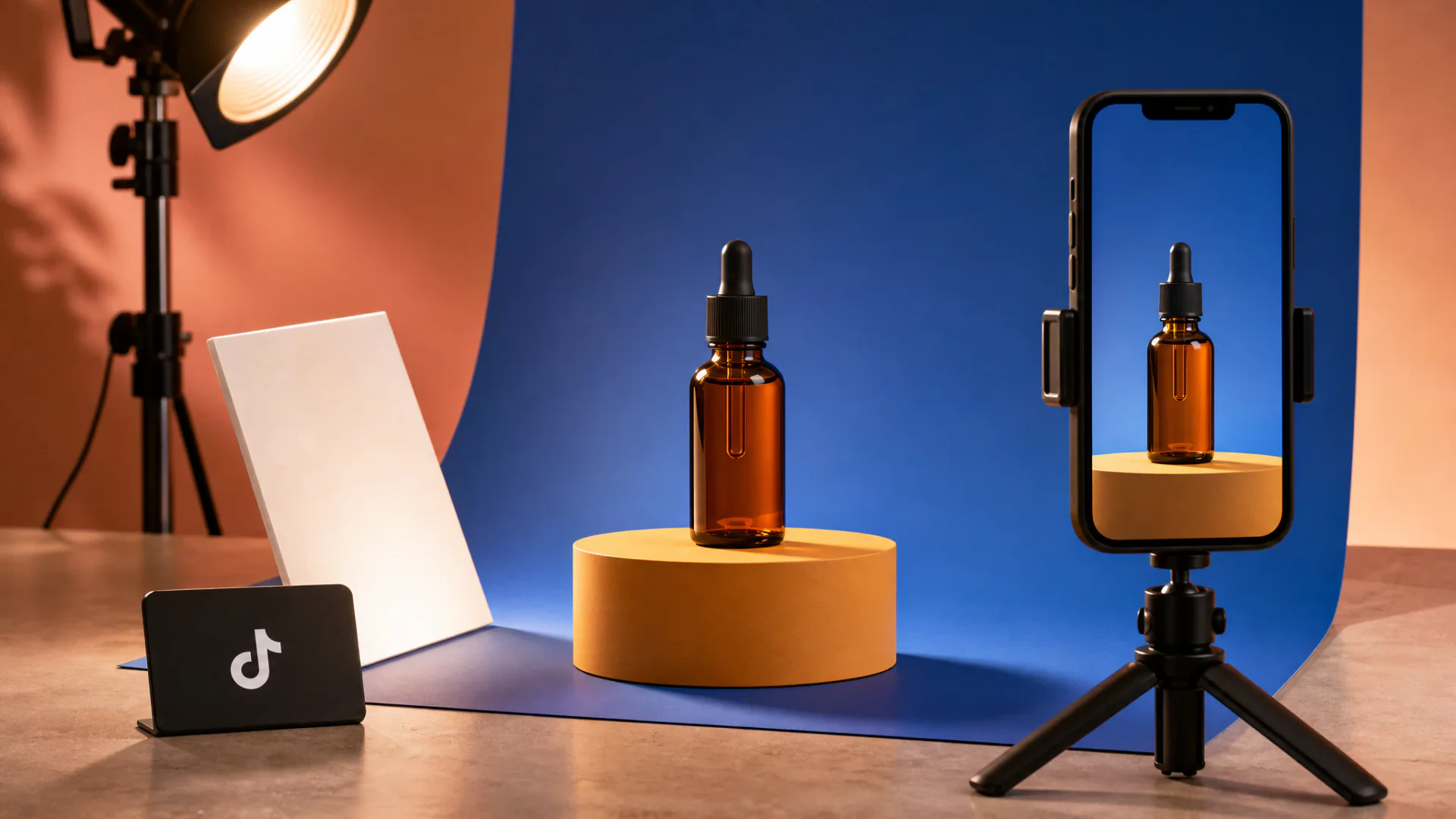
Build a product reveal around one recognizable detail: a texture, shape, material, or feature. Give the opening and reveal different visual roles, then develop campaign variations around your product photos and approved selling points.

Portrait smartphone filming an amber serum bottle on a tabletop TikTok product set
Create TikTok Video Now

How to Use Flova AI TikTok Video Generator

  1. Share the Concept and Creative Goal

    Give Flova AI TikTok video generator a short idea, script, or scene outline. Explain who the video is for, what should change on screen, and what the viewer should remember. Add authorized reference images when recognizable details matter.

  2. Approve the Scene Direction

    Ask Flova Agent to develop the concept into storyboard beats. Review the opening, visible action, setting, and ending before generating the final scenes. Set the intended framing and identify where audio should support the idea rather than explain everything.

  3. Generate and Compare Versions

    Develop the approved shots and audio in the AI TikTok video generator project. Compare results against the brief and references. Request a focused change to the opening, motion, product appearance, or timing while retaining material that already works.

  4. Edit and Export Your TikTok Video

    Arrange the scenes and audio in an Edit. Adjust shot duration and track volume, preview the full sequence, and export the video. Upload it through TikTok’s publishing tools. Paid Personal plans include watermark-free export.

Create TikTok Video Now

Creative Decisions That Give a TikTok Video Its Own Identity

Start with a Specific Point of View

A texture, a contrast, or a familiar object in an unexpected setting can give the video an original starting point. Explain what makes the detail interesting and what the viewer should discover next. An AI video generator TikTok creators can direct becomes most useful when the brief names that change, keeping the generated scenes connected to one clear observation.

Stage the Reveal across Distinct Shots

Let one shot introduce the subject, another show the change, and a final moment deliver the result. A pause can give a small detail more emphasis; a closer view can make the action easier to read. Use the storyboard to decide what each shot contributes before generating the full sequence.

Give Sound a Role in the Story

Choose whether narration, music, environmental sound, or a quiet moment should lead. A spoken line can explain a detail, while a music-led passage can give a reveal space to land. Arrange the tracks beside the images in an Edit and adjust volume and duration together so the sound supports the on-screen action.

Keep a Recognizable Format Fresh

A recurring format can share a color palette, camera distance, question structure, or final gesture while each video explores a new idea. Save the accepted references and creative rules, and use Flova Skills to reuse that creative approach, then change the subject, reveal, and response for the next project. A consistent method gives the series a starting point while leaving room for new stories.

TikTok Video Creation FAQs

What is an AI TikTok video generator?

  • An AI TikTok video generator develops original short-form video from a concept, script, or reference images. Flova connects storyboards, generated scenes, audio, and revisions in one project.

How do I make an AI video for TikTok?

  • Share an idea or script, add references, and develop the storyboard with Flova Agent. Generate scenes and audio, assemble them in an Edit, then export the video for upload.

Can I begin with product photos or illustrations?

  • Yes. Add your images and describe the details that should guide the scene, what moves, and how the camera sees it. Our TikTok AI video generator workflow uses those references to develop new shots.

Can I make a vertical video?

  • Yes. Just tell Flova Agent the aspect ratio you want, such as 9:16 for vertical video, 16:9 for landscape, or 1:1 for square. Flova Agent will create the video in your requested format.

Does Flova deliver subtitles or post directly to TikTok?

  • Flova does not directly deliver burned-in subtitles, subtitle tracks, or subtitle files. Add required captions in a separate tool, then upload the exported video through TikTok’s publishing tools.

Is AI-generated video allowed on TikTok?

  • TikTok allows AI-generated content that follows its content rules. Realistic AI-generated images, audio, and video require labeling. Add the appropriate AI-content label during publishing, and use source images, likenesses, and music you have permission to include.

Can I create an AI TikTok video with Flova for free?

  • Yes. Start with 100 free signup credits. The signup offer also includes 200 creation bonus credits, separate from the initial allocation. Free accounts can try images, 720p videos, music, and voiceovers, with limits on model access, resolution, and advanced features.

What do Flova's paid plans cost?

  • Personal annual plans are displayed at $17 per month for Starter, $42 for Basic, $84 for Plus, and $167 for Pro, billed annually. All four include watermark-free export and commercial use. Starter is a paid plan; these are annual-billing monthly equivalents.

How many credits do paid plans include?

  • Monthly base allocations are 2,000 credits for Starter, 5,000 for Basic, 10,000 for Plus, and 20,000 for Pro. Currently listed bonuses add 500, 3,000, and 10,000 to Basic, Plus, and Pro. Monthly allocations expire after 30 days; generation costs depend on the model and settings.