Separate Caption Layers from Embedded Text
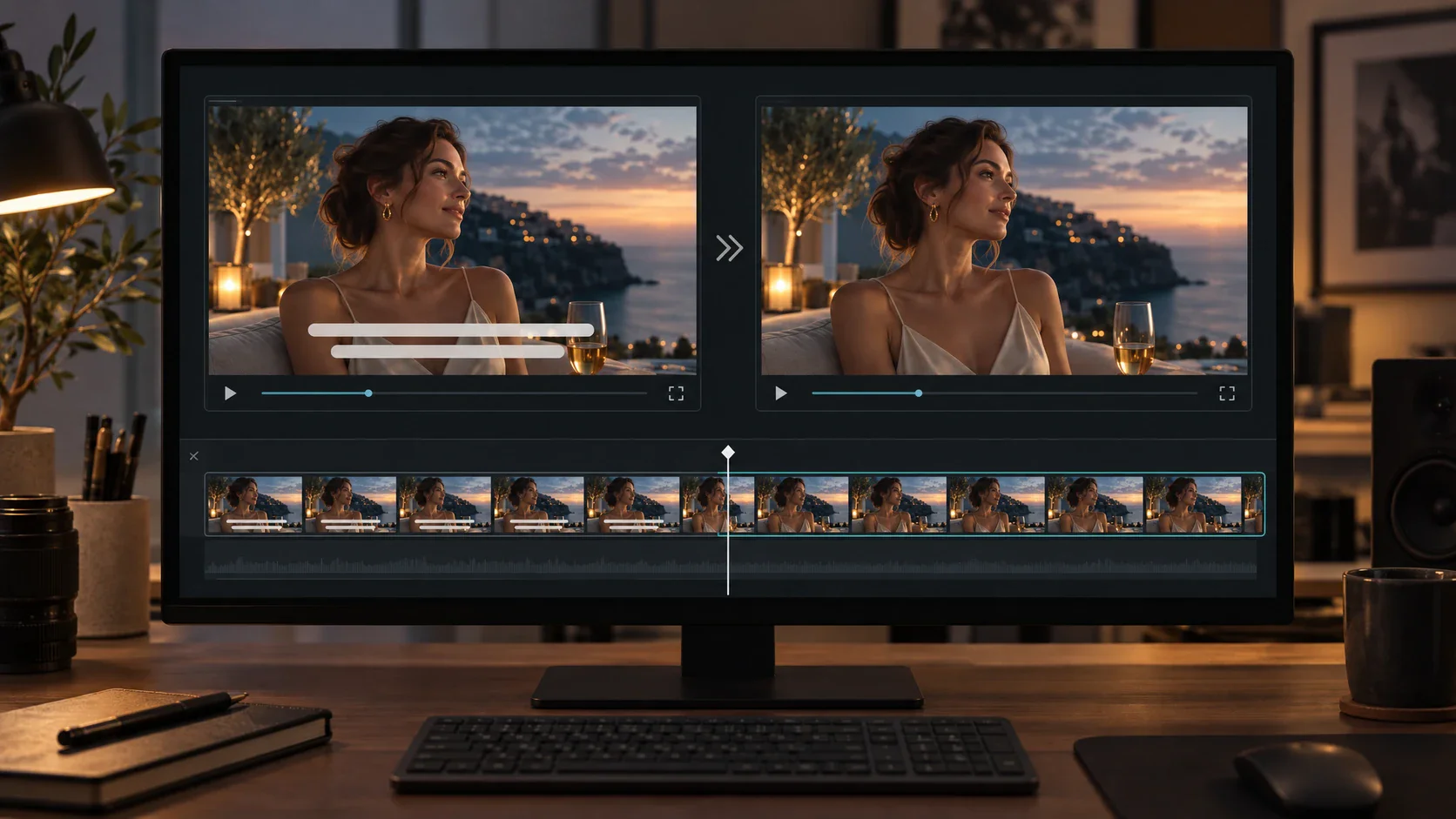
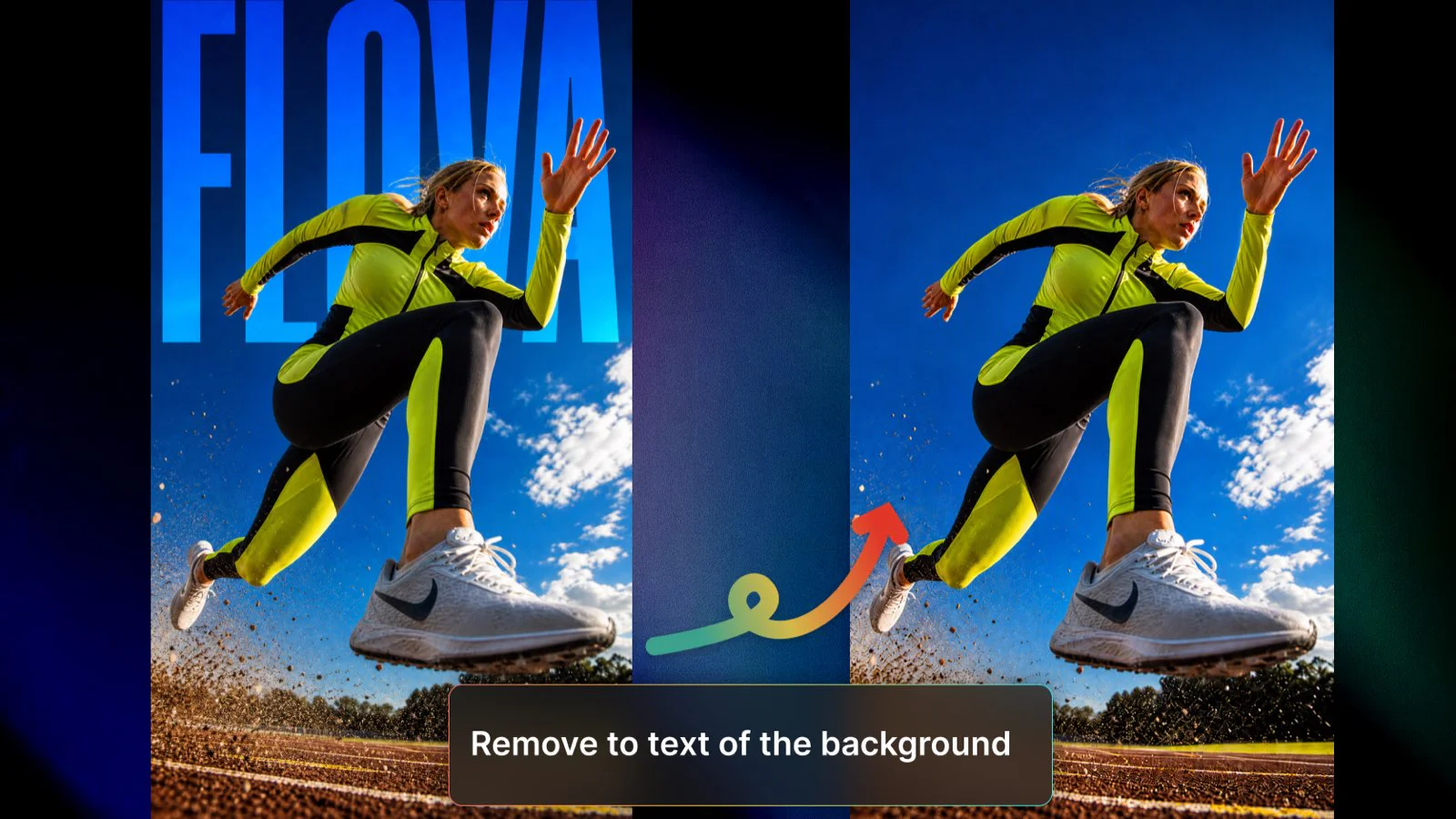
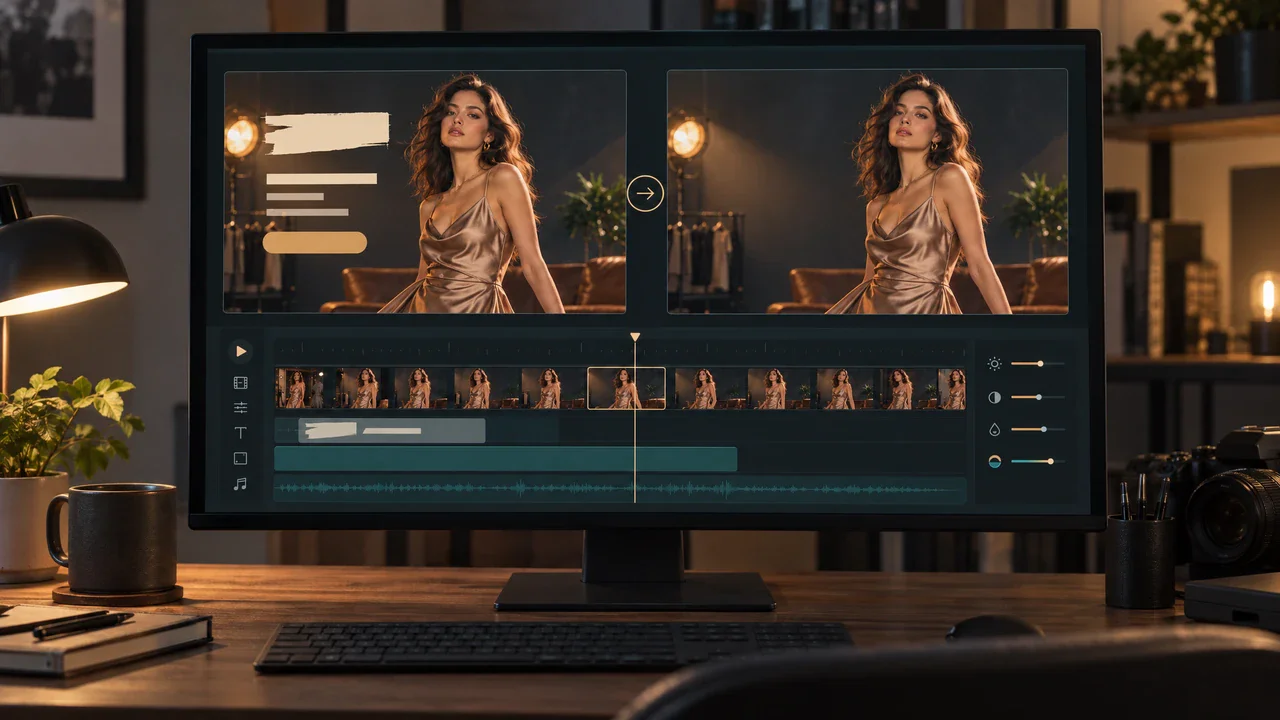
First determine whether the words are still editable in the source project. If they are, disabling the caption or title layer is usually preferable to reconstructing covered pixels. If the text is already embedded in exported frames, you need a supported processing or generation method. To remove text from video, AI must synthesize what was hidden; it cannot recover information that the file never preserved. Keep the clean original export whenever possible, and distinguish an editable subtitle track from text that is part of the picture. This decision prevents an unnecessary regeneration step and reduces the chance of changing otherwise usable footage.
Assess the Area Hidden by the Words
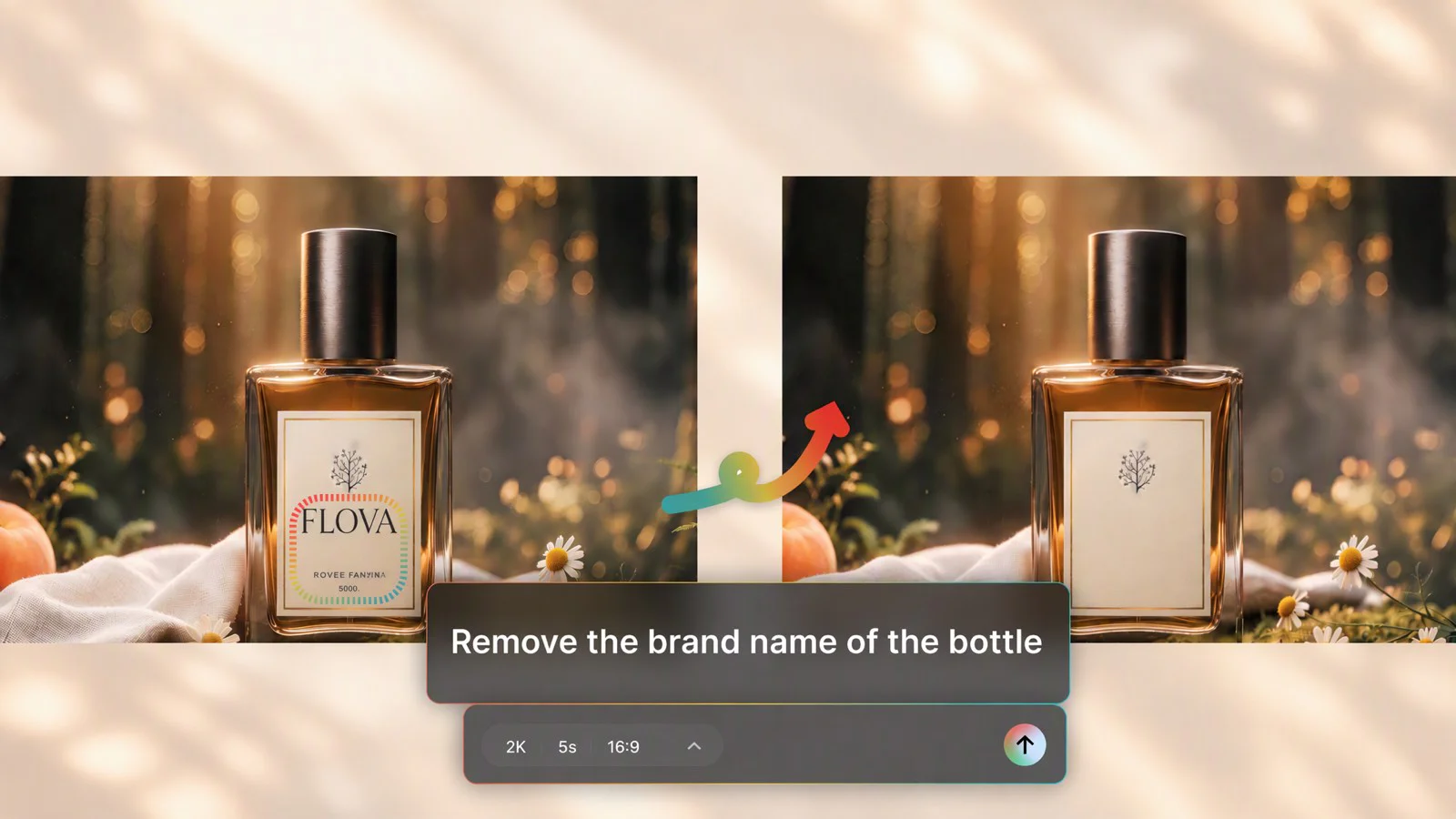
A small caption over a simple wall is different from large lettering crossing a face, hand, or product label. Assess the region at several points, not only where the background looks easiest. If the words obscure identifying information, a visually plausible fill can still be inaccurate. For a product or instructional clip, request a clean source or replace the affected shot when accuracy matters more than retaining the existing composition. A text remover from video should not be used to invent packaging details, evidence, or actions that cannot be verified against another source.
Judge a Sequence Rather Than a Clean Frame
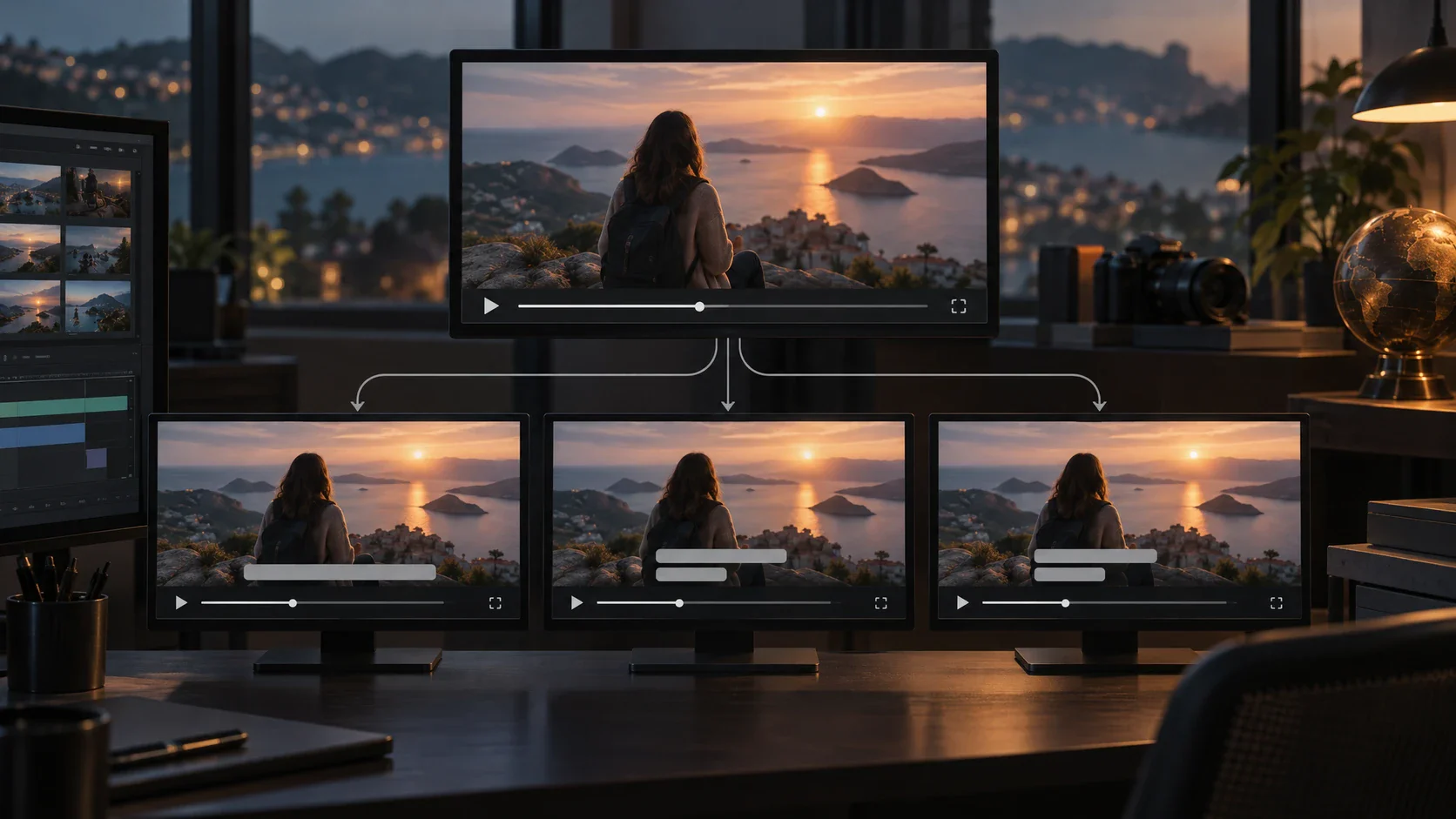
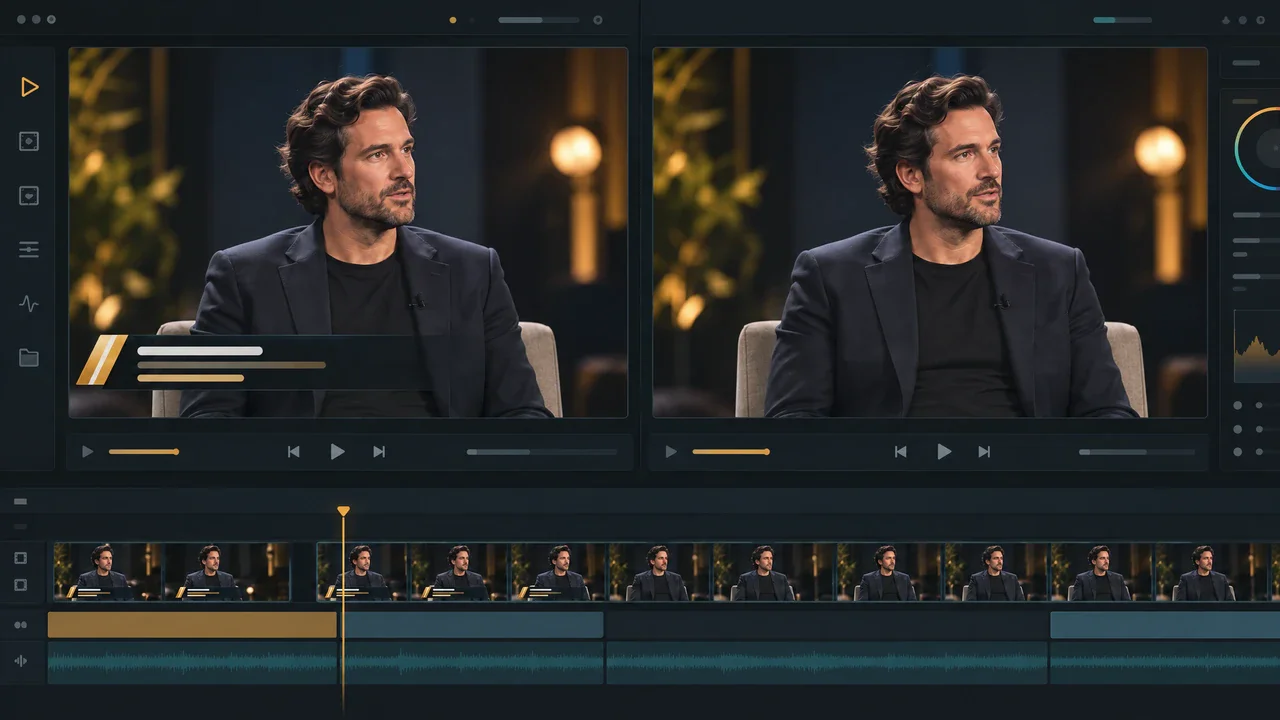
A convincing still does not establish that the entire cleanup works. Review the text entrance, its full duration, and its exit, including any cut or camera move inside that interval. Look for texture that crawls, edges that pulse, duplicate shapes, and changes that spill beyond the lettering. Then watch the accepted candidate within the finished edit: an isolated patch can look acceptable but become distracting beside the surrounding shots. Do not infer continuous motion from a Doodle-edited image. If a reference-frame approach requires new video generation, judge that new shot as a replacement rather than a pixel-preserving correction. If larger output dimensions are also required, evaluate video upscaling separately after accepting the repair; it is not a remedy for text-removal artifacts.
Choose a Repair, Replacement, or Clean Source
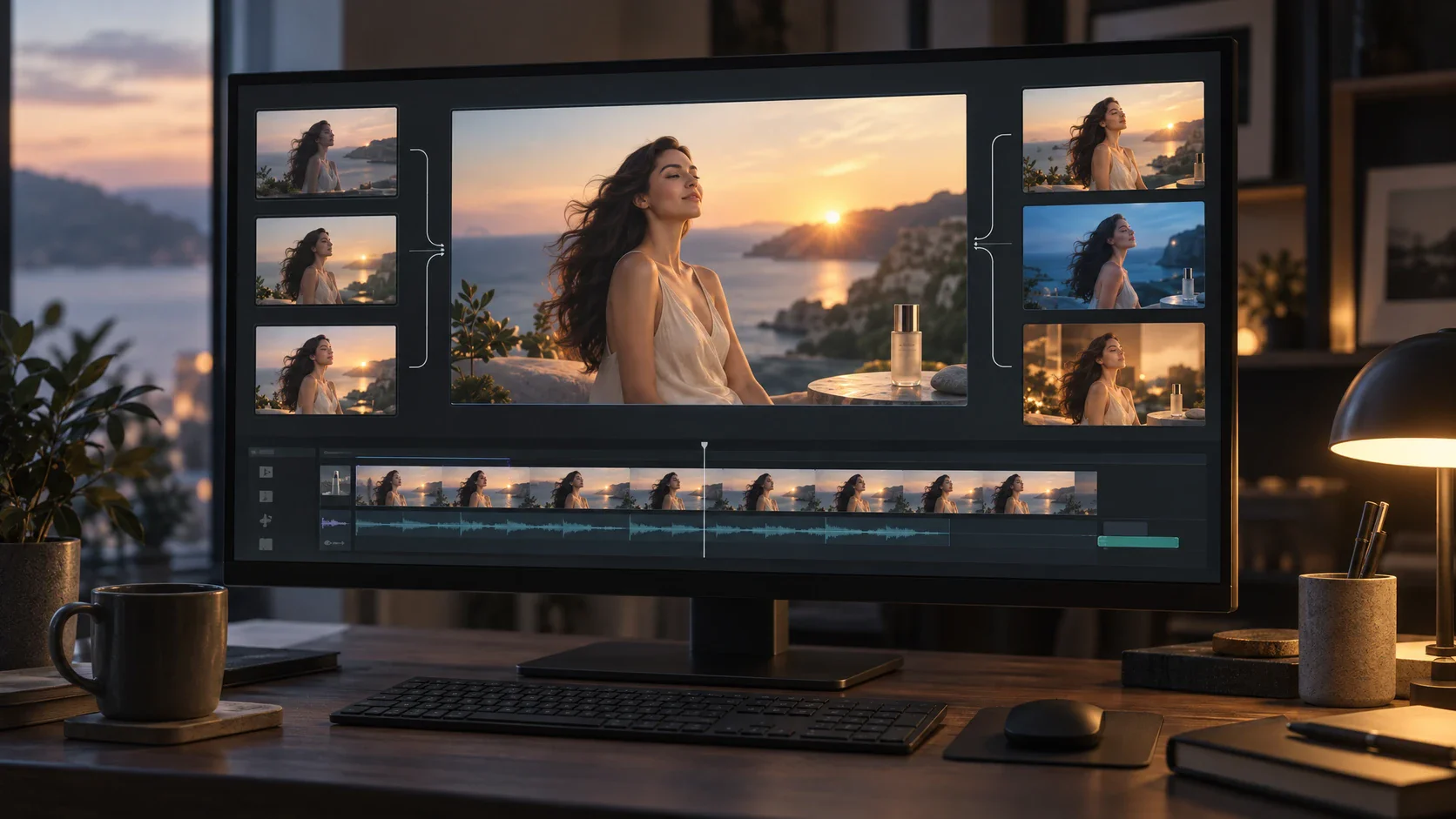
Set the acceptance criteria before comparing candidates. A casual background clip may tolerate a minor texture difference, while a close-up of a product label may not. If the repair changes essential information, use an authorized clean master, a different take, or a newly planned replacement shot. If only part of the footage is acceptable, revise the edit instead of approving the whole clip because processing completed. Save the selected version and the original together so later reviewers can understand the visual differences. The result should meet the communication need without disguising uncertainty about what was originally behind the text.