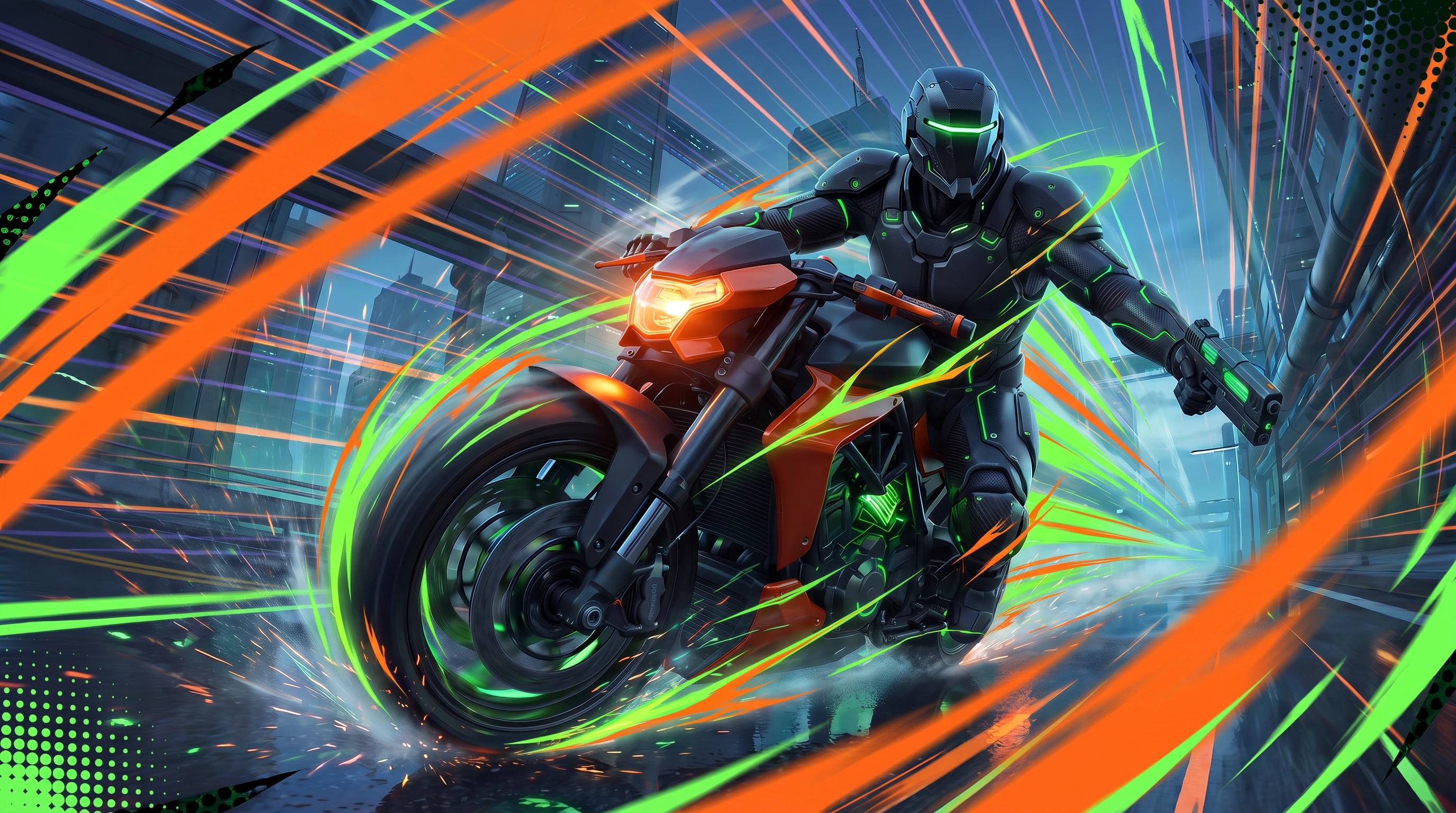
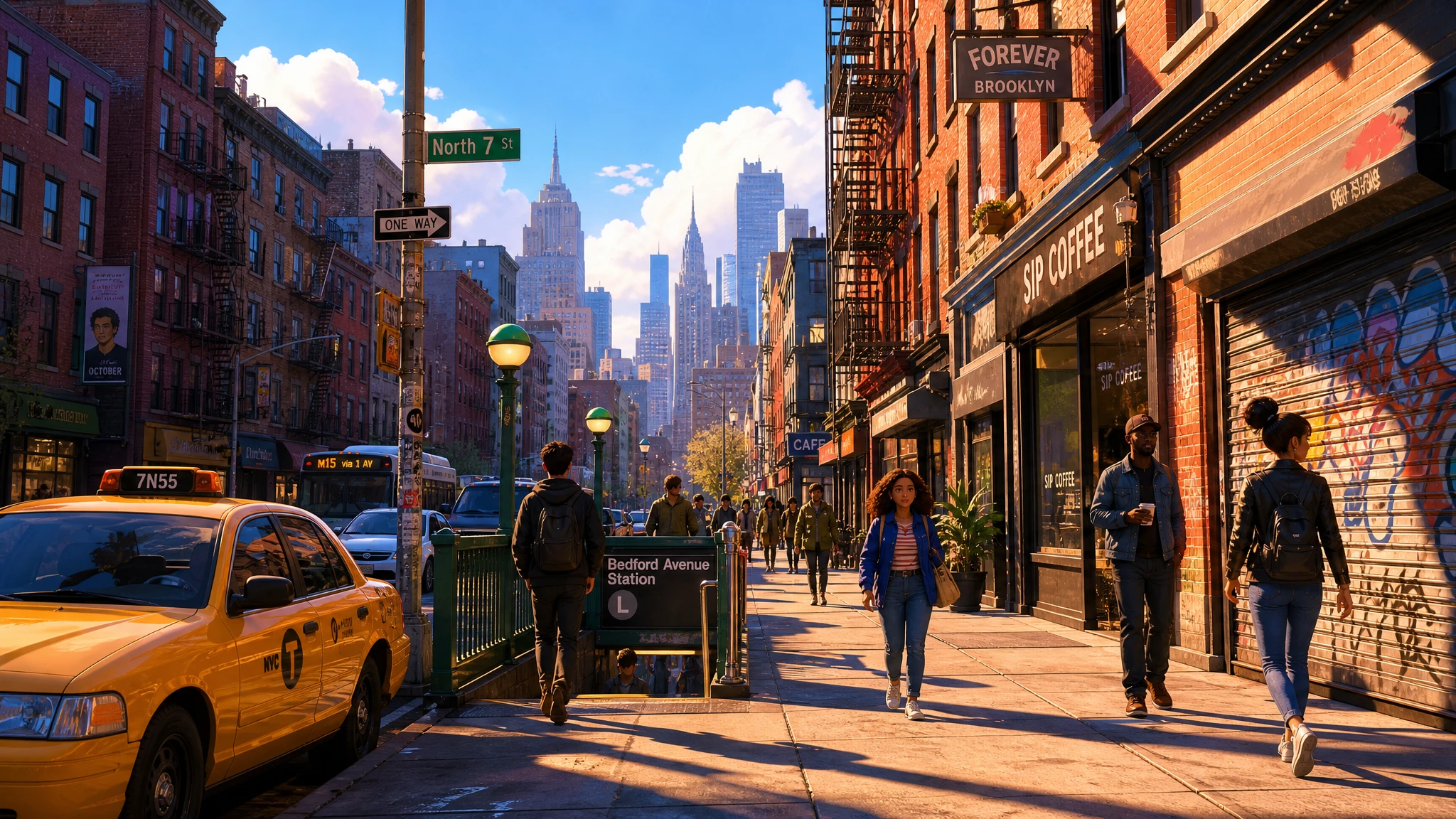
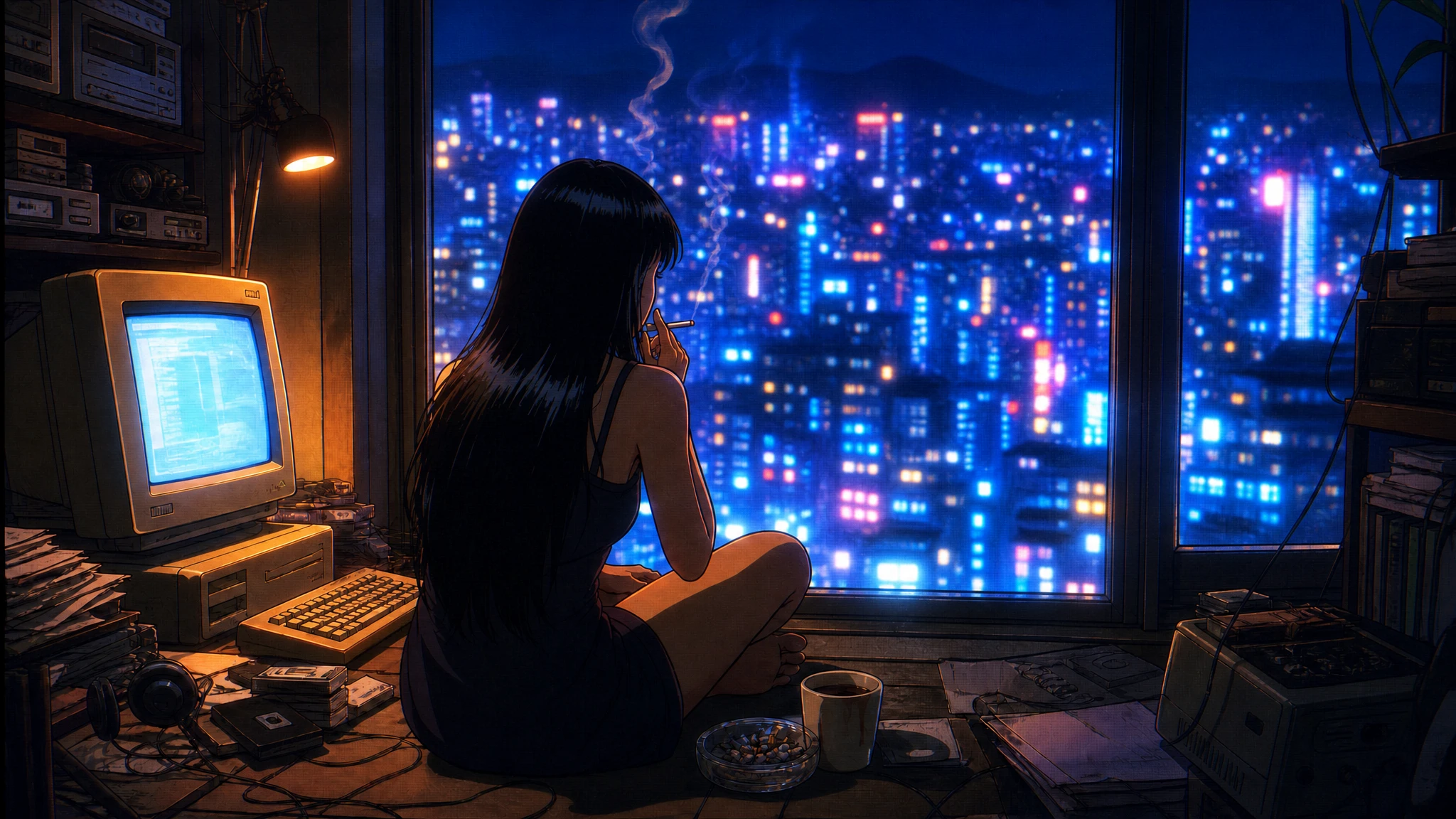
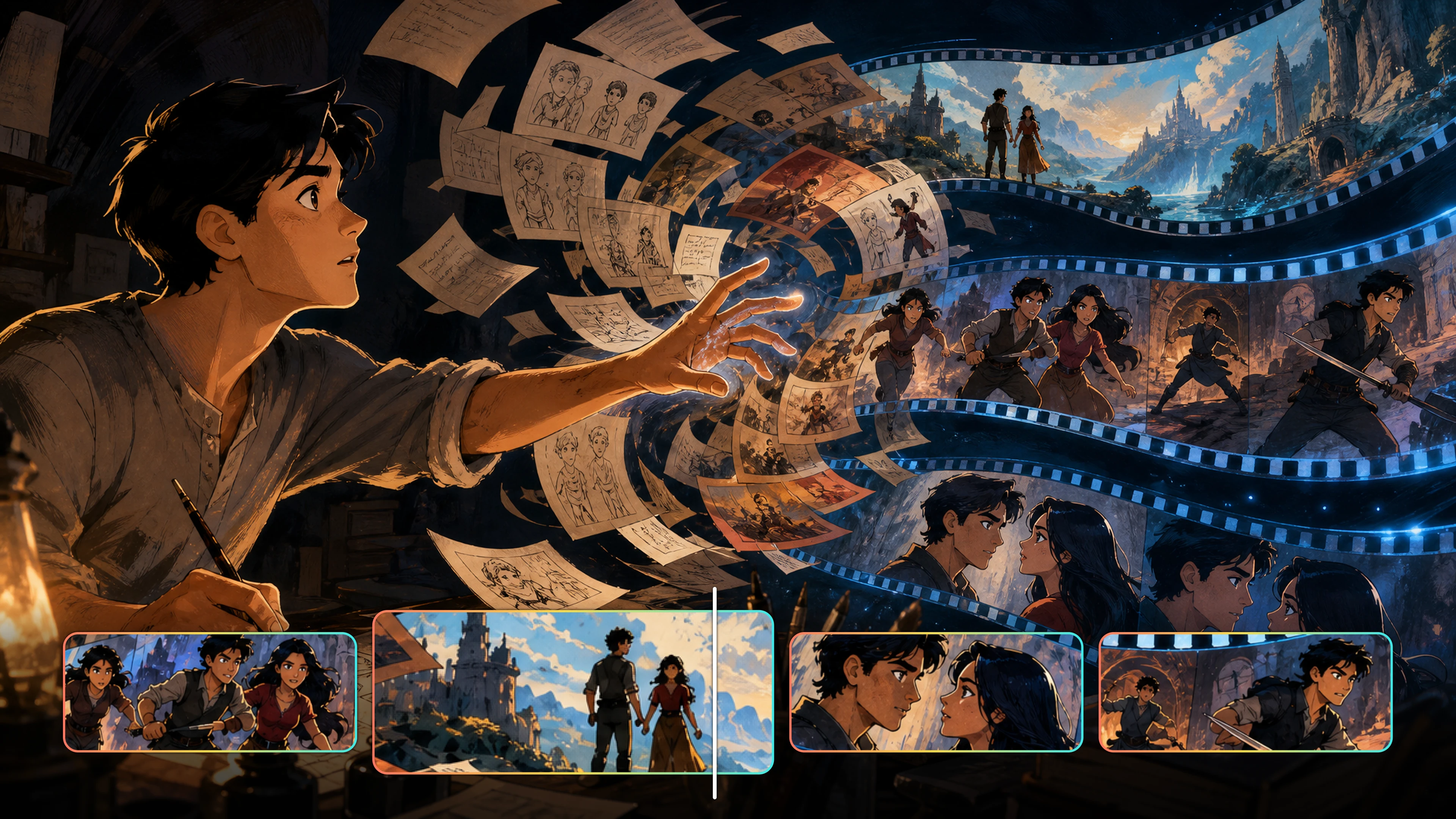
Flova is more than a single text box. The AI animation generator keeps your input, motion controls, editing, and export in one connected workspace, so you can move from a rough idea to a finished clip without switching tools.
Text to Video and Image to Video Inputs
You can start a project from a written idea or from an image you already own. Type a scene description, or upload a character reference, a sketch, or a still frame. Flova reads the reference and keeps the colors, proportions, and features stable across every shot, which matters when the same character appears in many scenes.
- Text to video: describe the setting, the action, and the mood in plain language.
- Image to video: upload a reference image and describe what should move while the main subject stays recognizable.
Prompts, Motion, and Style Controls
You do not need a long technical prompt to direct the motion. A practical AI animation generator turns plain direction into movement: name the shot, the camera move, and the pace, and Flova follows your lead. Ask for a slow push-in, a wide establishing view, or a fast cutting sequence, and the tool responds. Style Skills set the lighting, palette, and level of detail so the whole sequence looks consistent. When a scene needs a different rhythm, you can customize the prompt instead of rebuilding the project. Saved prompts let you repeat a look across a whole series.
Editing and Subtitles Without Regenerating
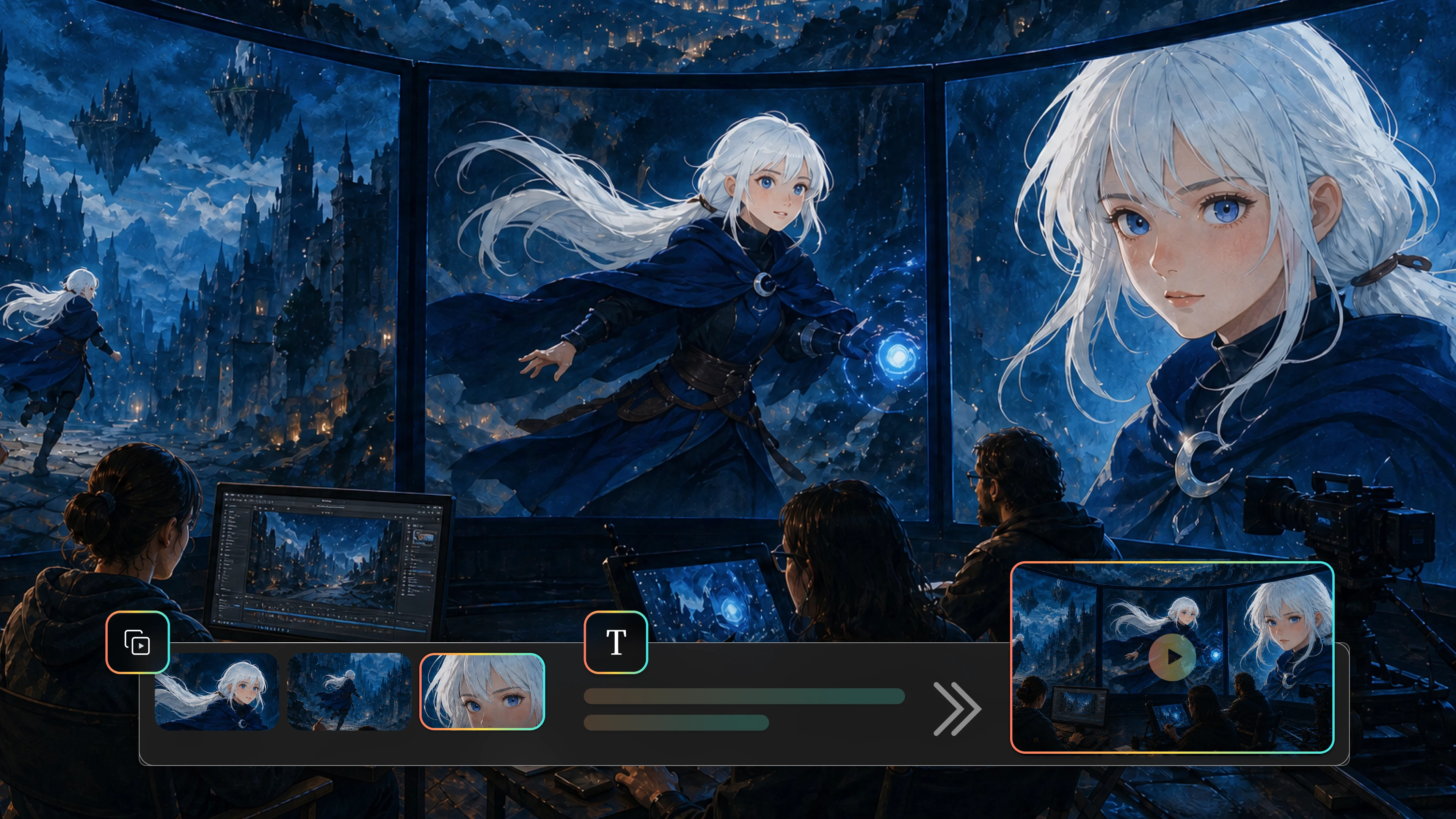
If one scene does not land, the AI animation generator lets you rewrite a short plot beat, replace a single shot, or adjust the timing of a clip. Editing stays local, so the shots you already approved remain untouched. You can add narration, music, and subtitles so the animation reads clearly even when a viewer watches with the sound off. Once the scenes and audio fit together, export a watermark-free file in 480p, 720p, 1080p, or 4K, or save it to the Asset Library for later use.
Create Now

AI Animation for Marketing, Products, and Social Content
Avatars, Voiceover, and Characters
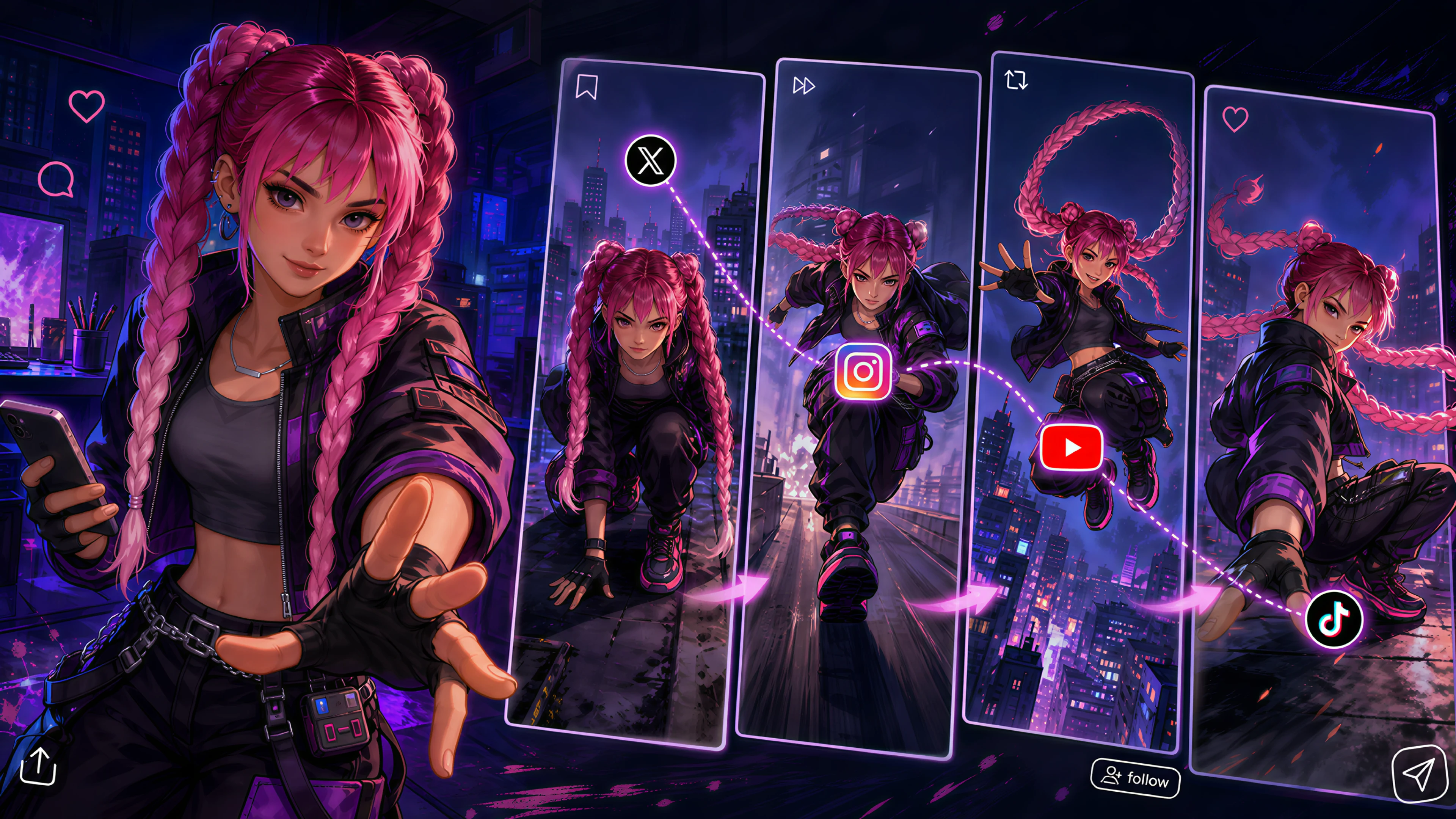
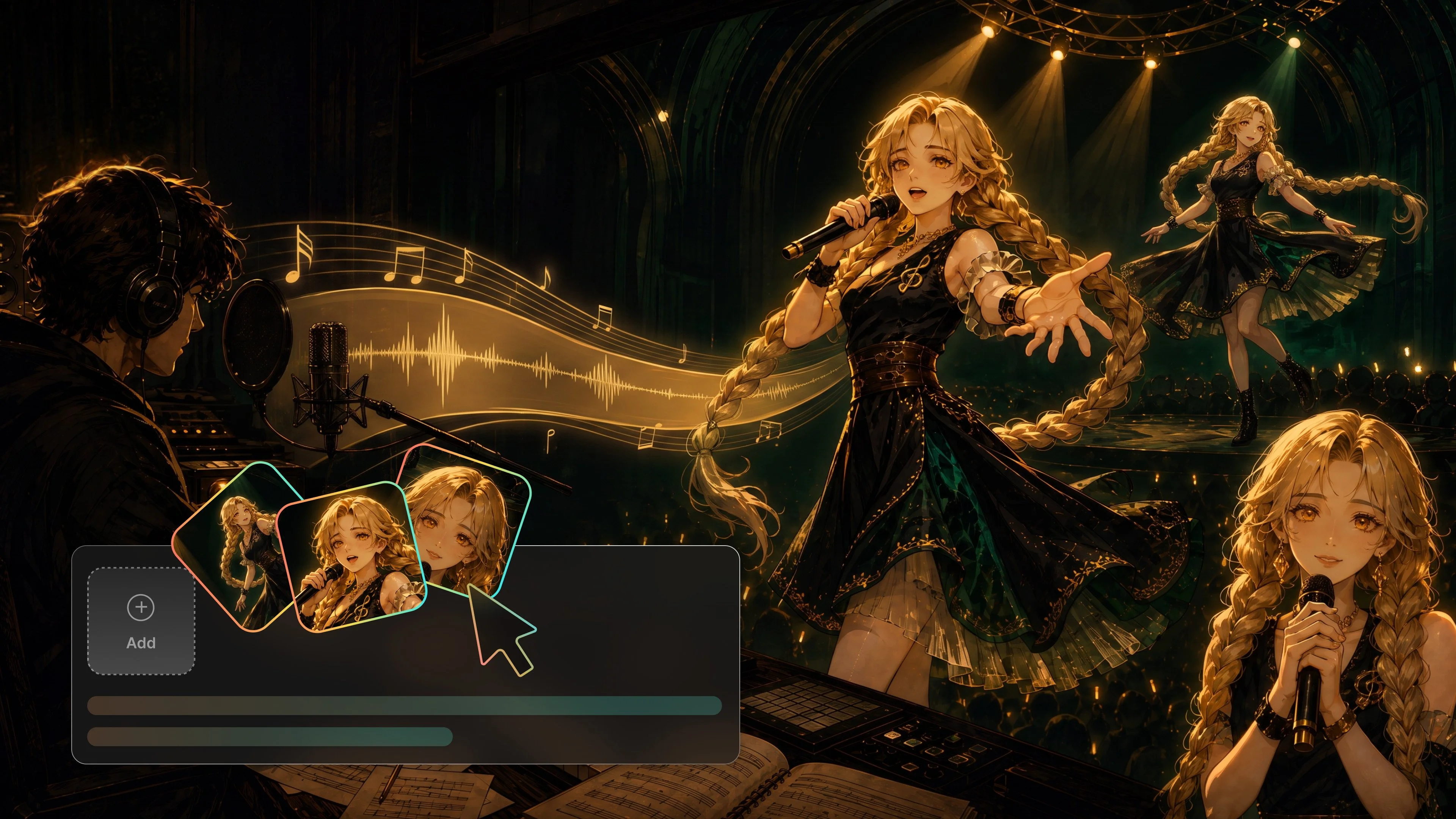
A recognizable character is often the reason people follow a channel. Flova’s AI animation generator helps you design a character avatar, then reuse the same face, hair, and outfit across an intro, a story clip, and a product demo. You can connect narration or an uploaded voice track to the storyboard, align it with the timeline, and adjust the order, timing, and volume before you publish. Consistent avatars also help viewers recognize a series across episodes.
Marketing Clips and Product Videos
Short animation works well for marketing because it explains an idea in seconds. Social media creators, game teams, and small brands can use the AI animation generator to turn a feature list, a game mechanic, or a launch concept into a scripted clip. Describe the message and the audience, and Flova helps shape the scenes, the pacing, and the closing frame. You can adjust each shot to fit the platform, then reuse the same creative direction for the next campaign.