Choose References for a Specific Purpose
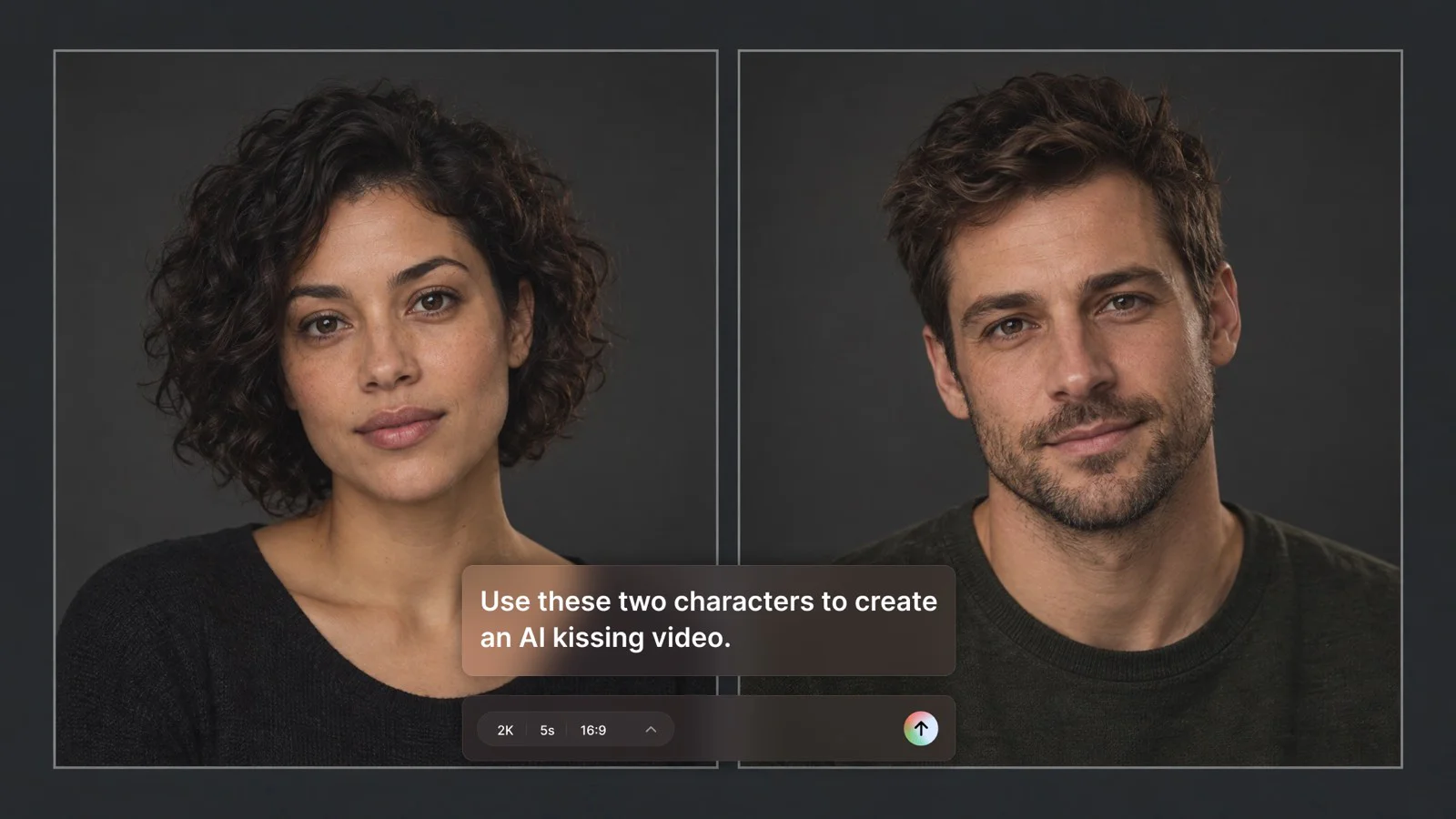
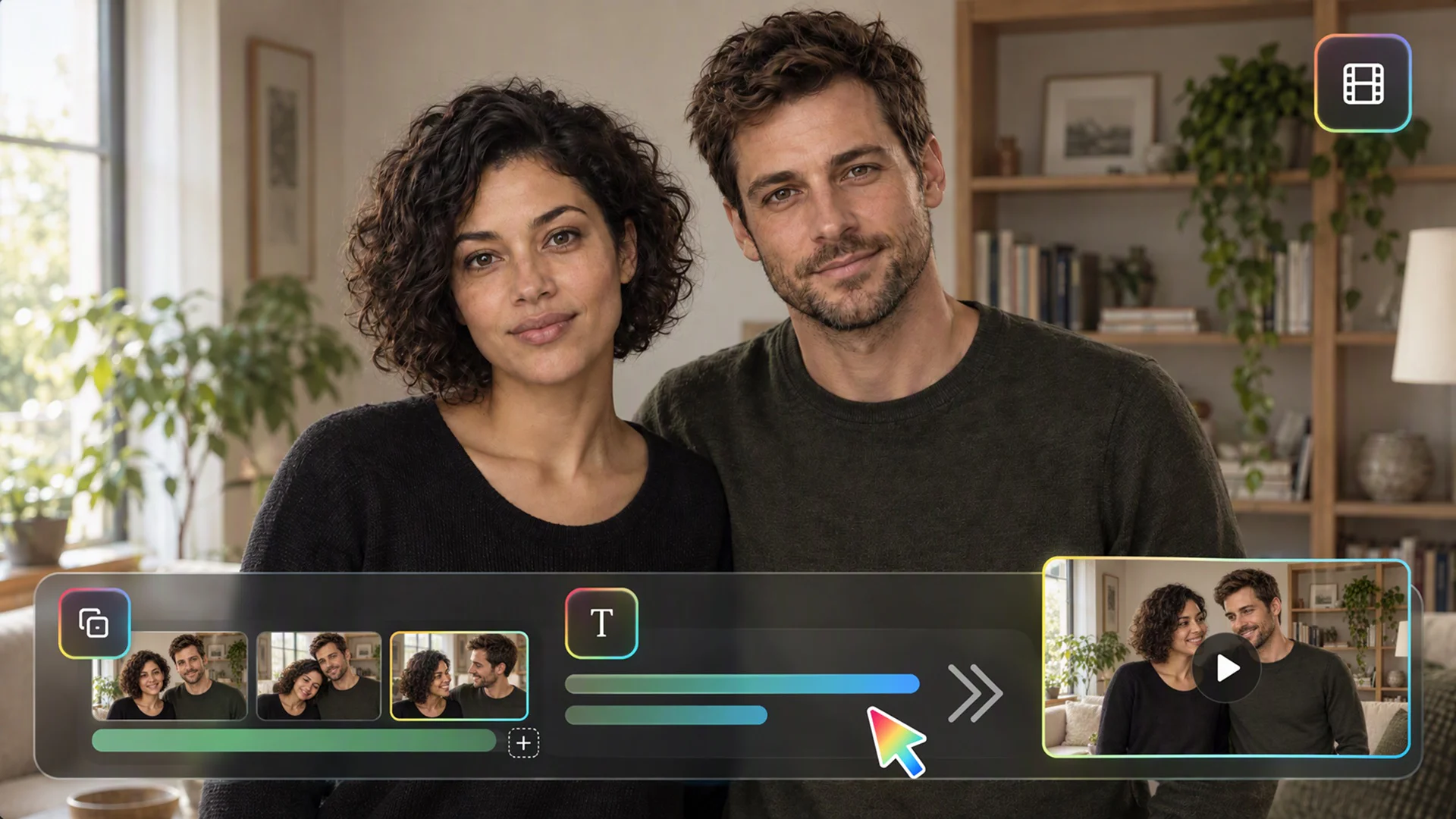
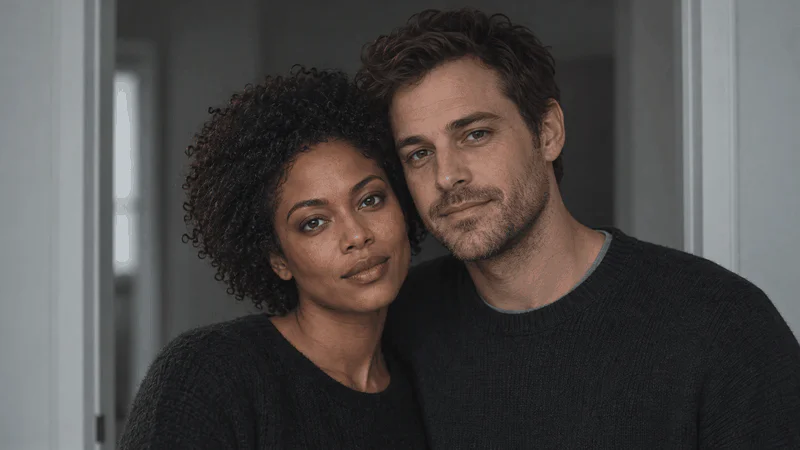
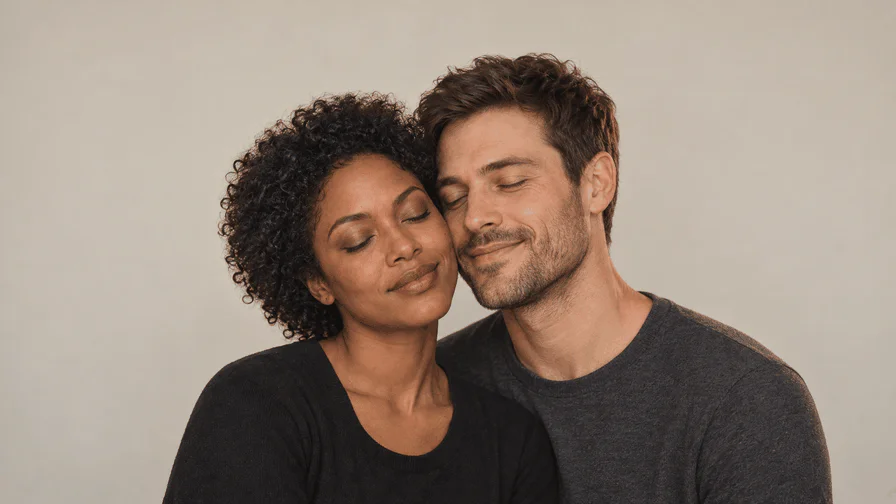
An AI kissing video starts with clearer decisions when each reference has a role. One image may define a character's appearance, another the setting, and another the intended framing. Explain those roles instead of uploading several conflicting pictures and expecting the system to infer a single relationship. Use original characters or material you have permission to provide. When a shared still is available, check whether both faces and the space between them can support the proposed movement before asking for a generated shot.
Resolve Positioning Before Asking for Contact
The scene needs a believable starting position. Check which direction each character faces, how their head heights relate, and whether the camera can read the interaction. A difficult angle can hide a face or make the action ambiguous. For an AI kissing video, correct those issues while reviewing the reference composition rather than adding a longer motion prompt to an unclear still. Simple staging makes it easier to judge the result and describe a precise revision when something does not work.
Give the Action a Beginning and an Ending
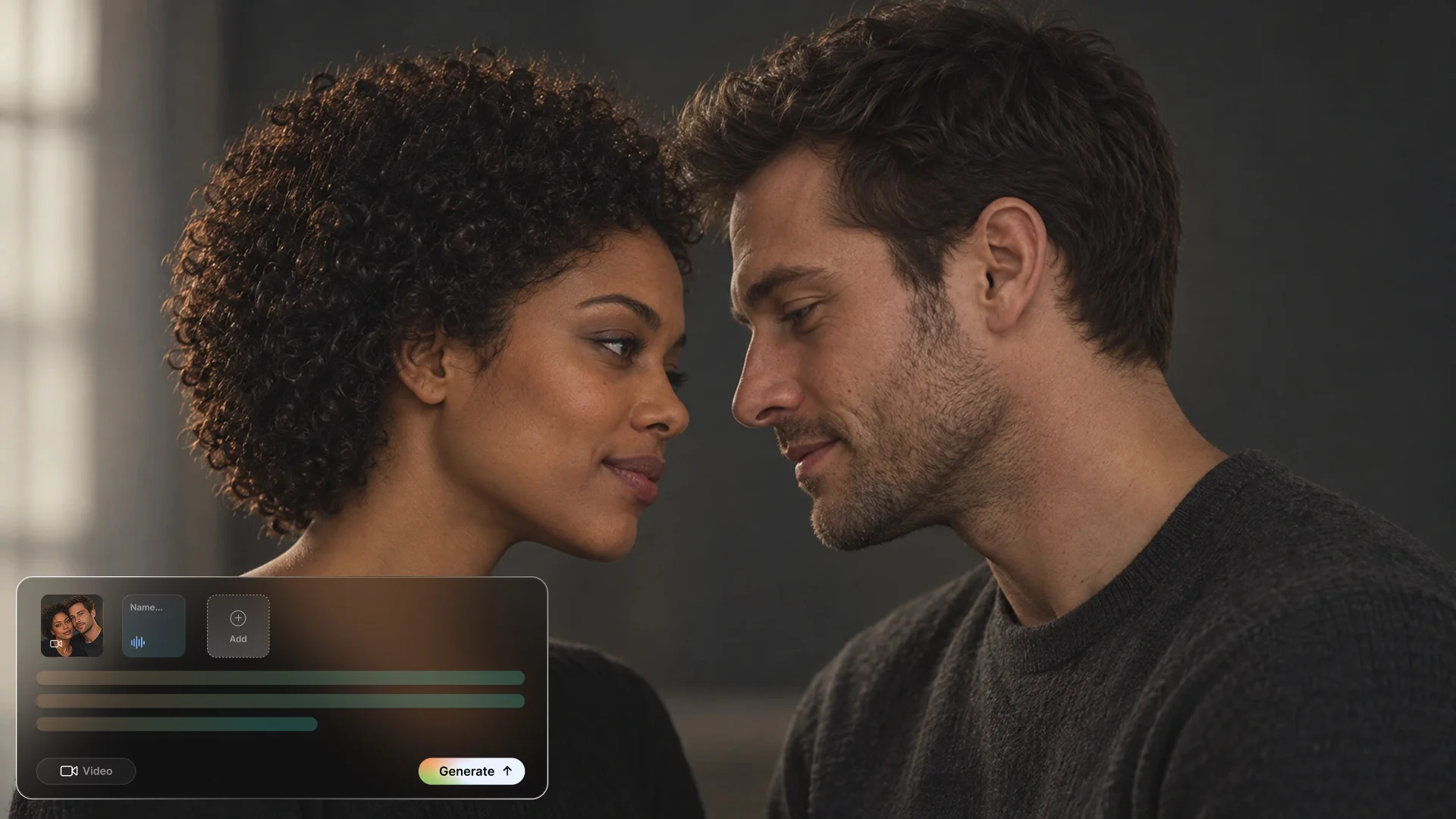
A kiss is a short sequence, not only a contact frame. Describe the approach, the pause, and how the characters separate or react. Decide whether the shot should hold afterward or cut to another scene. This gives an AI kissing video a readable emotional progression. Keep the action restrained, especially in the first test. A brief interaction with clear expressions can feel more coherent than a long shot that adds head turns, camera movement, changing light, and several new gestures at once.
Keep the Camera's Job Clear
Choose a camera position that serves the moment. A steady side view can make the interaction readable; a closer crop can emphasize expression but leaves less room for movement. Explain whether the camera should remain still or make one deliberate move. Do not ask for several competing angles inside the same short shot. Review the result at its intended viewing size, because a composition that looks clear in a large preview can become crowded or confusing when shown on a phone.
Inspect Faces Through the Full Movement
AI-generated motion can change details between otherwise convincing frames. Watch the eyes, mouth, nose, jaw, hairline, and clothing as the characters move. Check the transition into and out of contact, not just the selected thumbnail. If the AI kissing video develops a visible distortion, identify where it begins and what needs to remain stable. Use the original references to guide the correction. A plausible opening image does not establish that the entire moving shot preserves the same identity or anatomy.
Use Focused Revisions Instead of Bigger Prompts
More instructions do not automatically make a scene clearer. If one character turns too far, ask for a smaller head movement while retaining the approved composition. If the timing feels rushed, explain which part of the interaction needs more space. Keep successful details out of the change request unless they also need attention. Replay the revised shot in context afterward. An AI kissing video workflow benefits from the same review discipline as other generated scenes: visible feedback, retained references, and a clear reason to accept the result.
Treat Style as a Consistent Set of Decisions
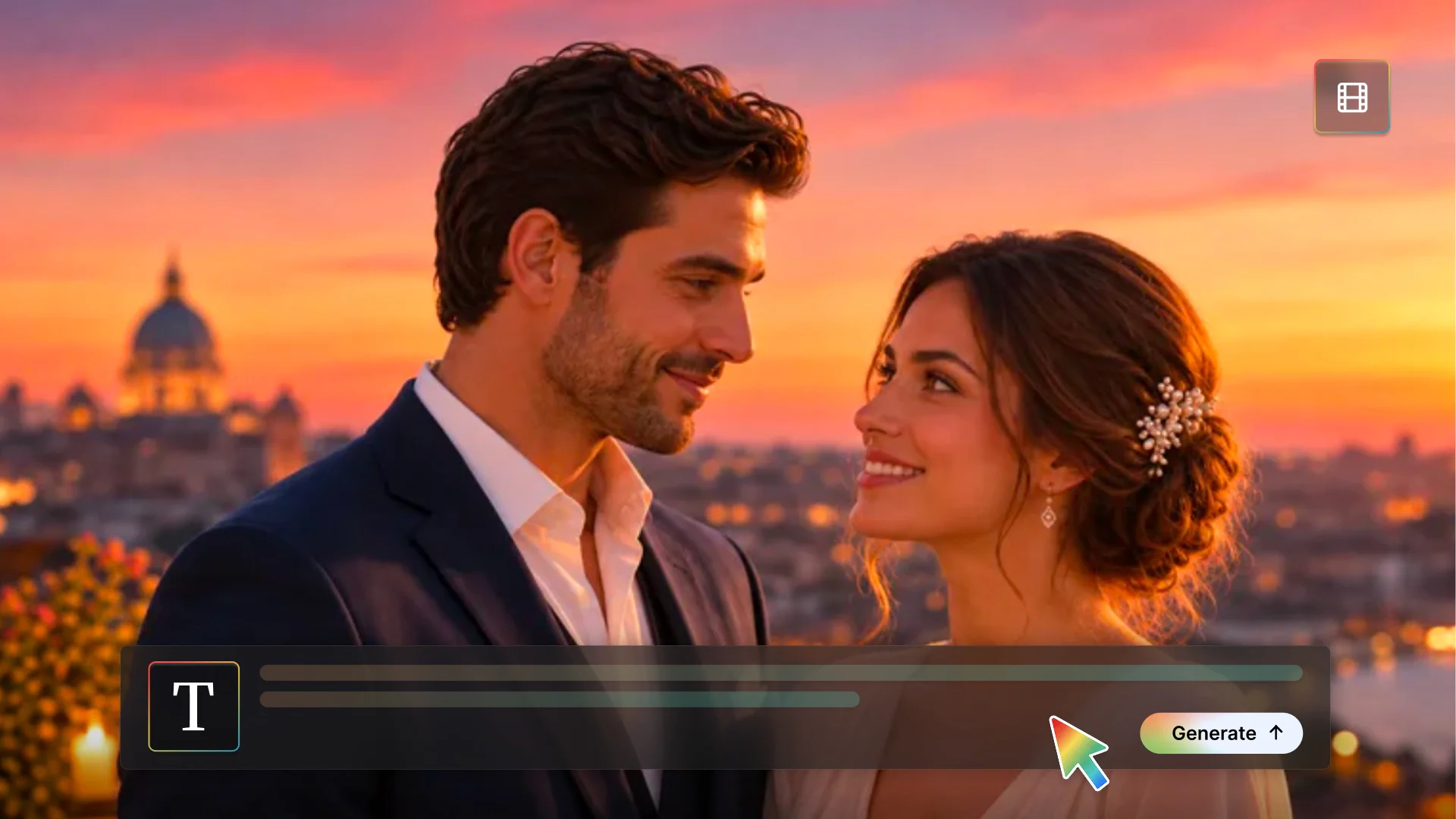
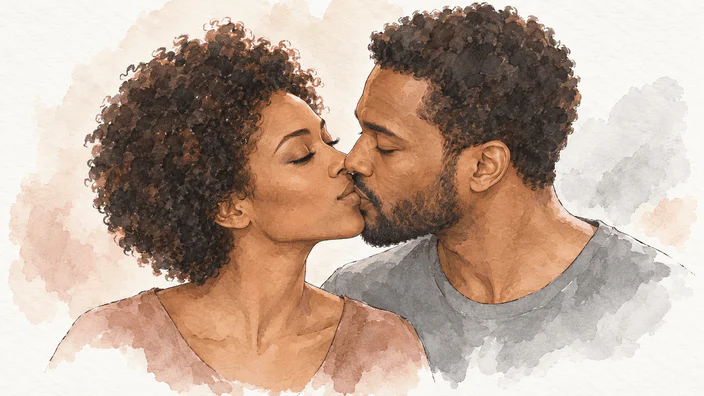
To develop an animated scene, define one visual treatment for both adult characters and review the movement against the same references. Define skin or paint texture, linework, lighting, palette, and background detail early. For an illustrated AI kissing video, review both characters against the same style reference so one does not become more realistic or detailed than the other. For photographic imagery, use restrained light and believable materials instead of excessive gloss. Style consistency should support the interaction, not distract from unclear faces or an awkwardly staged moment.
Separate Creative Output from a Factual Recording
An AI kissing video is synthetic media, not evidence that an interaction happened. Do not present a fictional scene as a real event involving someone who did not participate. Get permission before using identifiable real people, and use adult subjects for this romantic workflow. Consider how the finished scene will be described and shared, not only whether the source image can be uploaded. Original fictional characters are often a clearer choice when the goal is storytelling rather than depicting an actual relationship.
Choose the Output from the Current Workflow
Models, references, aspect ratios, and export choices can differ across Flova workflows. Check the settings in the project rather than assuming that every AI kiss video generator has the same specifications. Prepare the scene around the intended frame and review the actual result before deciding on a longer production. If an approved shot needs a larger delivery frame, increase the resolution of a finished clip separately and recheck the faces; enlargement does not correct identity changes or malformed contact. If the chosen method cannot preserve an important requirement, simplify the scene or use a different production approach.