Flova Logo

Your All-in-One Video Agent

AI Reels Generator for Scroll-Stopping Videos

Turn a product detail, a visual idea, or a short story into an original Reel. Flova AI reels generator connects your brief, references, storyboard, generated scenes, sound, and revisions. Work with Flova Agent to shape what viewers see and hear, then review the result before sharing.

Turn Your Ideas and Photos into Original Reels

Turn a Hook Idea into a Reel Plan with Flova Agent

Give the opening a concrete detail: an unusual texture, a small contrast, or the moment before a change. Flova AI reels generator turns that premise into a scene plan, connecting the first image with the reveal and ending.

Generate Reels Now

Animate Your Photos with Motion You Describe

Turn a product photo, illustration, or scene reference into a moving shot with image-to-video in Flova. An AI Instagram Reels generator brief can describe what moves, where the camera looks, and what the movement should communicate.

Generate Reels Now

Keep References Close to the Story

Keep your product photos, visual references, and message together as you develop the Reel. For video ad creation, give Flova your campaign brief and key selling points, then explore different ways to tell the story.

Generate Reels Now

Generate Voiceover and Music in the Same Reel Project

Generate narration and music, then assemble them beside the scenes in an Edit. When your Reel needs a fuller story, Flova brings script-to-screen filmmaking into the same project. Adjust clip order, duration, and audio volume around the message.

Generate Reels Now

Keep a Creative Approach Ready with Flova Skills

Use Flova Skills to revisit a useful creative approach: a product reveal, a story structure, or a visual treatment. Preserve the rules that matter while changing the subject and message. Your next Instagram Reel maker project can start with a clearer brief rather than a repeated video.

Explore Flova Skills Explore Flova Skills

An AI Instagram Reels Generator for Different Creative Goals

Different ideas need different structures. Choose a reveal, explanation, or visual story according to the message you want the viewer to remember.

Product Details and Small-Business Stories

Build a Reel around a product’s shape, material, or useful detail. Use your photos and approved product information to develop an original setting, then give the opening and reveal a clear connection to the business’s message.

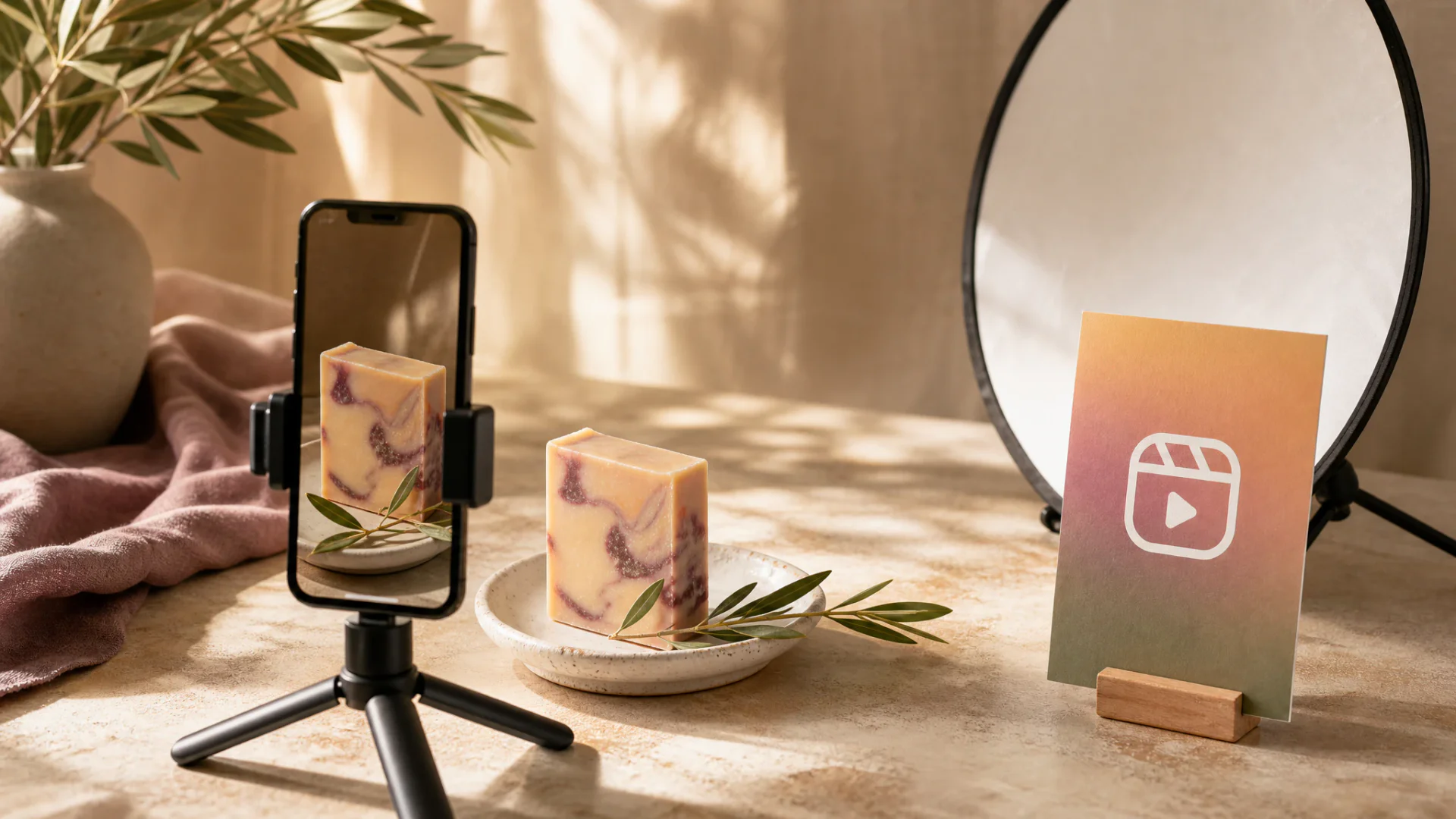
Portrait smartphone filming handmade soap on a tabletop Instagram Reels product set
Generate Reels Now

How to Create with Flova AI reels generator

Start with the audience and the idea you want them to remember. Follow these four steps to plan your story, generate the scenes, and review the final cut.

  1. Describe the Reel You Want to Make

    Share a concept, script, or short scene outline. Tell Flova AI reels generator who the video is for and what the viewer should notice. Add authorized references when the appearance of a product, character, or setting matters.

  2. Review the Storyboard and Visual Direction

    Develop the opening, scene order, visible action, and ending with Flova Agent. Specify the intended vertical framing and audio direction. Approve the plan before asking for finished shots so revisions begin with a shared understanding of the idea.

  3. Generate Scenes and Refine Specific Moments

    Use the AI reels generator project to develop visuals and sound, then compare them with your brief. Request a focused change to the action, framing, product appearance, narration, or timing. Keep accepted material available while improving the part that needs attention.

  4. Edit and Export Your Instagram Reel

    Arrange the scenes and audio in an Edit. Trim clips, balance track volume, and preview the sequence at its intended viewing size. Export the video and upload it through Instagram’s publishing tools. Paid Personal plans include watermark-free export.

Generate Reels Now

Instagram Reels Maker Decisions That Keep the Story Clear

Choose One Message for Each Reel

A product detail, a design idea, or a character’s decision gives the video a focus. Choose the scenes that make that message visible, and let the ending resolve what the opening introduces. An Instagram Reels maker project can then develop the camera direction, sound, and pacing around one story instead of several competing explanations.

Compose around the Main Subject

Plan the action for the intended vertical presentation before generating scenes. Place the important detail where it remains readable and give moving subjects enough space to complete the action. A product close-up may need a different composition from a room reveal. This keeps the framing connected to the message from the first image to the ending.

Connect Product References to a Creative Setting

Use clear images to establish the product’s silhouette, material, and color, then describe the world around it. A studio setting can draw attention to texture; an imaginative environment can express mood. Keep the product references and approved selling points available as you develop variations so the scene direction stays connected to the item and the campaign.

Build a Recognizable Reel Series with Flova Skills

A recurring series can share a color palette, camera style, narrator tone, or closing gesture. Use Flova Skills to reuse that creative approach, then give each Reel a new subject, question, and reveal. Keep the details that make the series recognizable while giving every episode its own story.

Frequently Asked Questions about Instagram Reels

What is an AI reels generator?

  • An AI reels generator creates short-form video from a brief, script, or reference images. Flova connects storyboards, generated scenes, sound, revisions, and an Edit timeline in one project.

How do I use an AI reels generator with my own photos?

  • Upload your photos and describe the appearance details, action, and visual style you want. Use the images as references for new scenes, then arrange the selected clips with audio in an Edit.

Can an AI video generator for Instagram Reels create vertical video?

  • Yes. Select a video model and aspect ratio in Quick Generation, then develop the scene for the intended vertical frame. Assemble the selected clips in an Edit and export the final sequence.

Can I use Flova as an Instagram Reel maker for business content?

  • Yes. Create product concepts and brand stories from images and information you have permission to use. Paid Personal plans include commercial use and watermark-free export; rights to third-party photos, music, and likenesses remain separate.

Does this reels video maker deliver subtitles or post automatically?

  • Flova does not directly deliver burned-in subtitles, subtitle tracks, or subtitle files. Add required captions in a separate tool, then upload the exported Reel through Instagram’s publishing tools.

Can I create a Reel without filming myself?

  • Yes. Start with a written idea, original character, product photos, or other reference images. Develop the scenes and sound in Flova, then assemble the video without recording an on-camera performance.

Can I create AI Instagram Reels with Flova for free?

  • Yes. Start with 100 free signup credits. The signup offer also includes 200 creation bonus credits, separate from the initial allocation. Free accounts can try images, 720p videos, music, and voiceovers, with limits on model access, resolution, and advanced features.

What do Flova's paid plans cost?

  • Personal annual plans are displayed at $17 per month for Starter, $42 for Basic, $84 for Plus, and $167 for Pro, billed annually. All four include watermark-free export and commercial use. Starter is a paid plan; these are annual-billing monthly equivalents.

How many credits do paid plans include?

  • Monthly base allocations are 2,000 credits for Starter, 5,000 for Basic, 10,000 for Plus, and 20,000 for Pro. Currently listed bonuses add 500, 3,000, and 10,000 to Basic, Plus, and Pro. Monthly allocations expire after 30 days; generation costs depend on the model and settings.