Runway is a mature creative suite with video and image models, audio tools, editing features, an agentic collaborator, and 4K upscaling on paid plans. Creators still compare Runway AI alternatives when they want a larger monthly credit allocation, a more connected production workflow, access to a specialist model, or a tool built around a specific content format.
This guide compares five alternatives with Runway on workflow, pricing, free access, strengths, and trade-offs. It does not claim identical-prompt testing or a video-quality benchmark.
Key Takeaways
- Best for an end-to-end production workflow: Flova AI combines video, image, music, narration, editing, and reusable creative workflows in one project environment.
- Best for Kling-native production: Kling AI offers image and video creation, multi-scene control, and native audio in its current model series.
- Best for Veo-specific video with sound: Google Veo 3.1 supports sound generation and output up to 4K, with clips of 4, 6, or 8 seconds.
- Best broad multi-model suite: Higgsfield AI combines image, video, voice, editing, upscaling, and agent-assisted workflows.
- Best for quick short-form experiments: Pika offers focused creative tools and credit packs, although its Free plan includes no monthly credits and requires top-up packs for generation.
- Runway remains a strong baseline: its Standard plan includes 625 monthly credits, multiple video and image models, audio tools, no watermarks, and 4K upscaling.
At a Glance
Why Creators Compare Runway AI Alternatives
Runway Free includes 125 one-time credits. Standard is listed at $12 per month when billed annually and includes 625 monthly credits, access to its video and image models, music, voice and sound-effects generation, no watermarks, 4K upscaling, and up to three projects.
Runway already covers many production tasks. The better question is which limitation matters in your next project:
- More room for iteration: several attempts may be needed before motion, framing, and subject consistency are usable.
- A connected project workflow: teams may want scripts, references, storyboards, shots, audio, and edits managed together.
- Specialist model access: some creators prioritize a specific generation model or native sound workflow.
- A clearer business fit: social teams, filmmakers, and brand-content teams use different formats and review processes.
- Commercial delivery requirements: watermark treatment, licensing, resolution, and team access vary by plan.
Compare the cost of a finished video, not just a subscription or credit balance. Include retries, audio, editing, export rights, and whether your team must move assets between tools.
Our Pick: Flova AI
Flova is the workflow-led option in this list. Its path is Idea → Storyboard → Generation → Audio → Timeline Editing → Final Video. A small brand, for example, can turn a product brief into three storyboarded scenes, generate or revise individual shots, add narration and music, then adjust pacing in the timeline before export. This is a workflow example, not a claimed test result.
Flova offers free or bonus credits subject to current program rules and paid personal and team subscriptions. Its public pricing page loads plan amounts dynamically, so confirm the live checkout price and credit allowance before purchase. Paid plans list watermark-free export and commercial use; credit costs vary by model, duration, resolution, and settings.
Flova also offers reusable Flova Skills for established creative workflows. A Skill gives creators a repeatable starting point for common production tasks, helping teams preserve process and project context across campaigns.
Why Flova leads for workflow-first teams: the storyboard, generated assets, audio, and timeline remain connected inside one project. That matters when a shot changes late in production. It does not make Flova the right choice for every creator: compare model access, output rights, and the cost of your typical finished video before switching. Explore Flova's storyboard-to-edit workflow
How We Evaluated These Runway Alternatives
This comparison uses official product, pricing, and technical documentation reviewed on October 7, 2026. It does not claim identical-prompt testing, direct comparative quality scoring, community consensus, or laboratory benchmarking.
The ranking considers four documented factors:
- Workflow coverage — how much of the path from brief to finished asset stays in one platform.
- Published value — entry price, included credits, and free access where clearly stated.
- Format fit — suitability for connected projects, specialist clips, multi-scene work, or short-form content.
- Delivery readiness — published watermark, licensing, resolution, audio, and collaboration features.
“Best overall” is an editorial judgment based on workflow breadth and value. Visual realism and motion quality vary by model, prompt, source material, duration, and settings.
The Best Runway AI Alternatives, Ranked
1. Flova AI — Best Overall Runway Alternative

Flova connects planning, storyboard, video and image generation, music, narration, and timeline editing in one project. Its advantage over Runway is the explicit story-to-final-video path and reusable Skills; its limitation is that the best choice still depends on the models and controls a project needs.
Flova has free or bonus-credit programs and paid plans with credits for generation and editing. Check the live pricing page for the current Starter price and credit allotment. Paid plans list watermark-free export and commercial use. As with Runway, compare the cost of a completed project rather than treating credits as interchangeable.
Best for: creators and marketing teams that want one environment for planning, generation, audio, and editing.
2. Kling AI — Best for Kling-Native Image and Video
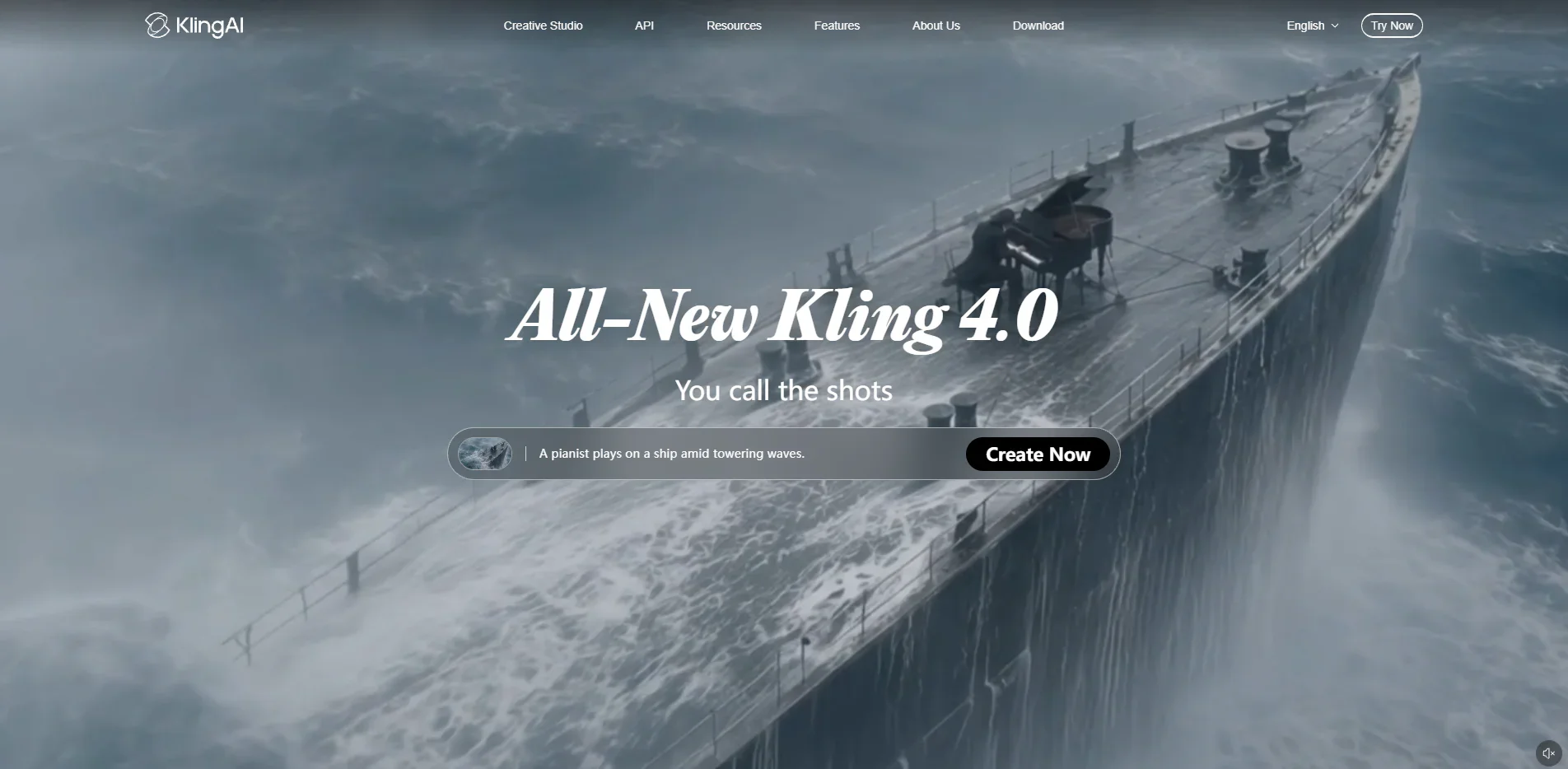
Kling AI now presents both image and video creation. Its Kling 3.0 series documents multimodal instruction handling, long-form storyboard control, complex multi-scene transitions, visual and vocal identity binding, and Native Audio.
Compared with Runway, Kling is a focused choice for creators who want Kling-native image, video, multi-scene, and audio controls. Its free credits and paid prices vary by account, region, and promotion; confirm model access, watermark, and commercial terms in the live membership page before production.
Best for: creators committed to the Kling ecosystem and its multi-scene, image, video, and native-audio workflows.
3. Google Veo 3.1 — Best Specialist Video Model with Sound
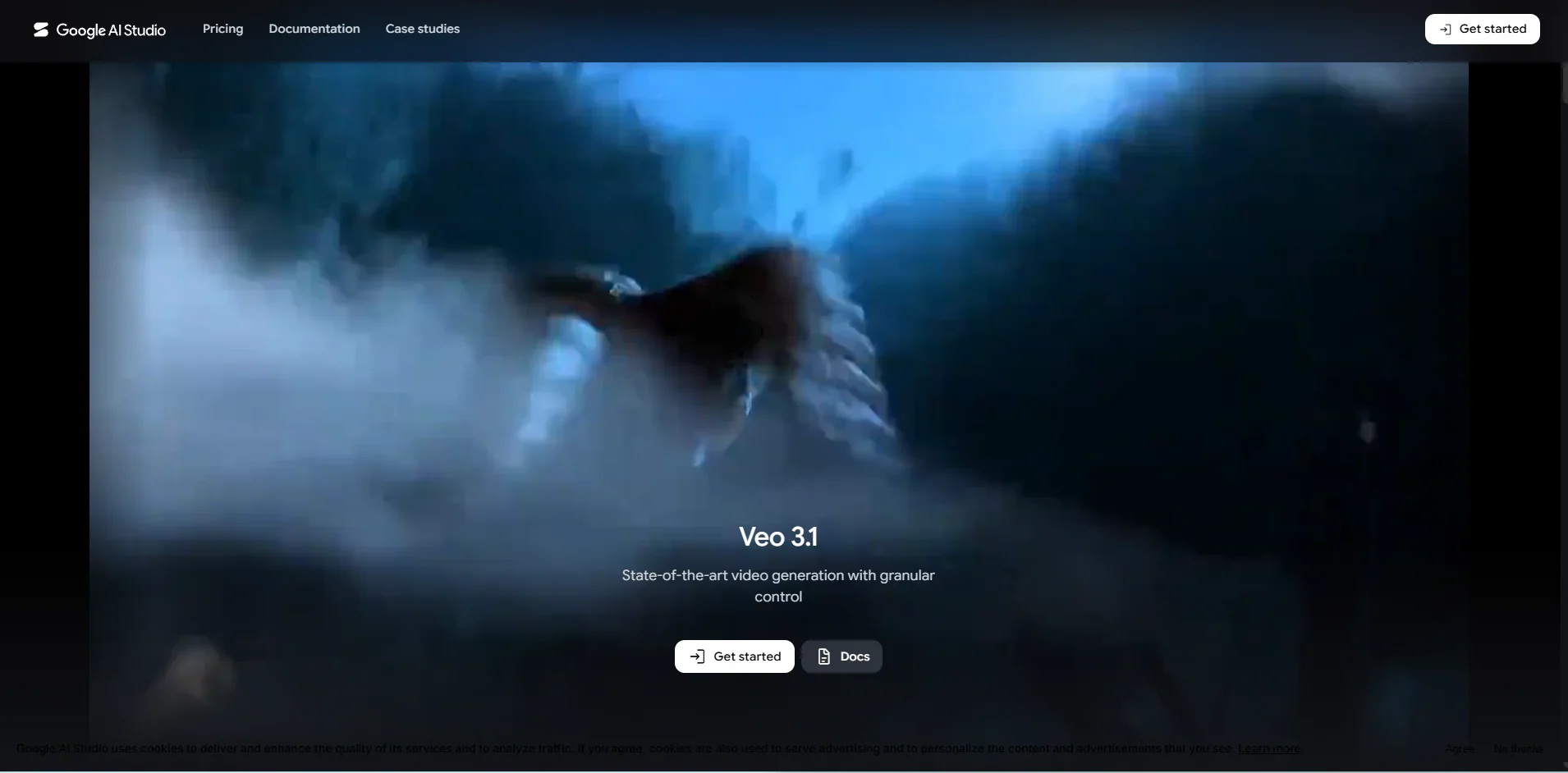
Google's current Veo 3.1 documentation supports text-to-video, image-to-video, first-and-last-frame generation, video extension, reference images, and sound generation. Standard Veo 3.1 output supports 720p, 1080p, and 4K at 24 FPS in 16:9 or 9:16 formats.
Veo 3.1 is a model, not a standalone Runway-style subscription. Google Flow currently advertises free use with daily credits, but quotas, model access, and paid prices depend on the Google product and region. Choose Veo for its video-and-sound capabilities; plan separately for any post-production needs not covered by your chosen interface.
Best for: studios that prioritize Veo-specific video and sound generation and already have a separate production workflow.
4. Higgsfield AI — Best Broad Multi-Model Suite
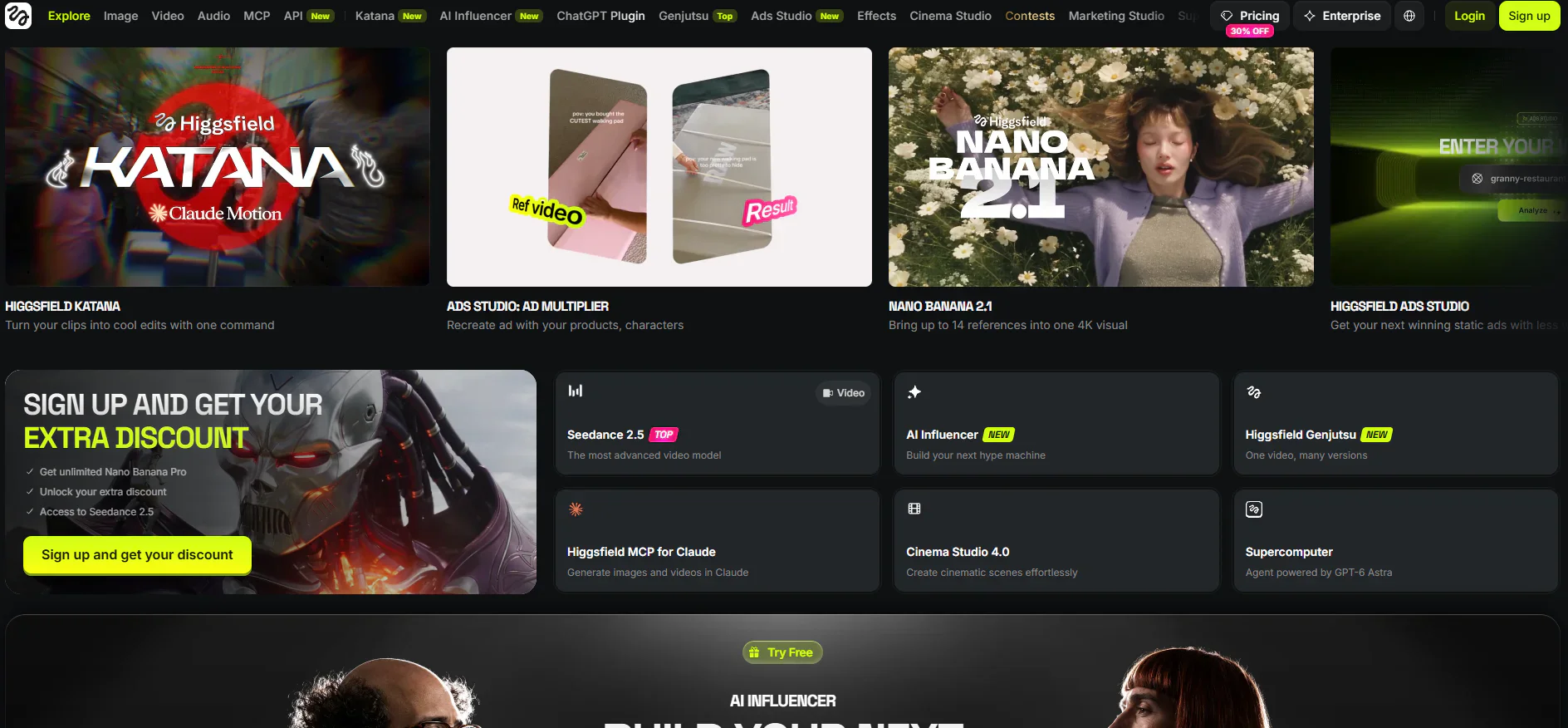
Higgsfield AI is not a single-model video generator. Its current platform covers image and video creation, voice content, editing, upscaling, multiple models, agent-assisted workflows, web and mobile access, and API or MCP integrations.
Higgsfield currently lists Starter at $15 per month when billed annually, with 200 credits per month. Its Free tier has limited use, while commercial use is listed for paid plans. Compared with Runway, Higgsfield favors model choice and quick experimentation; check model-specific credits and included tools before committing to a longer project.
Best for: creators who want a broad multi-model toolkit and prefer Higgsfield's interface and integrations.
5. Pika — Best for Short-Form Experimentation
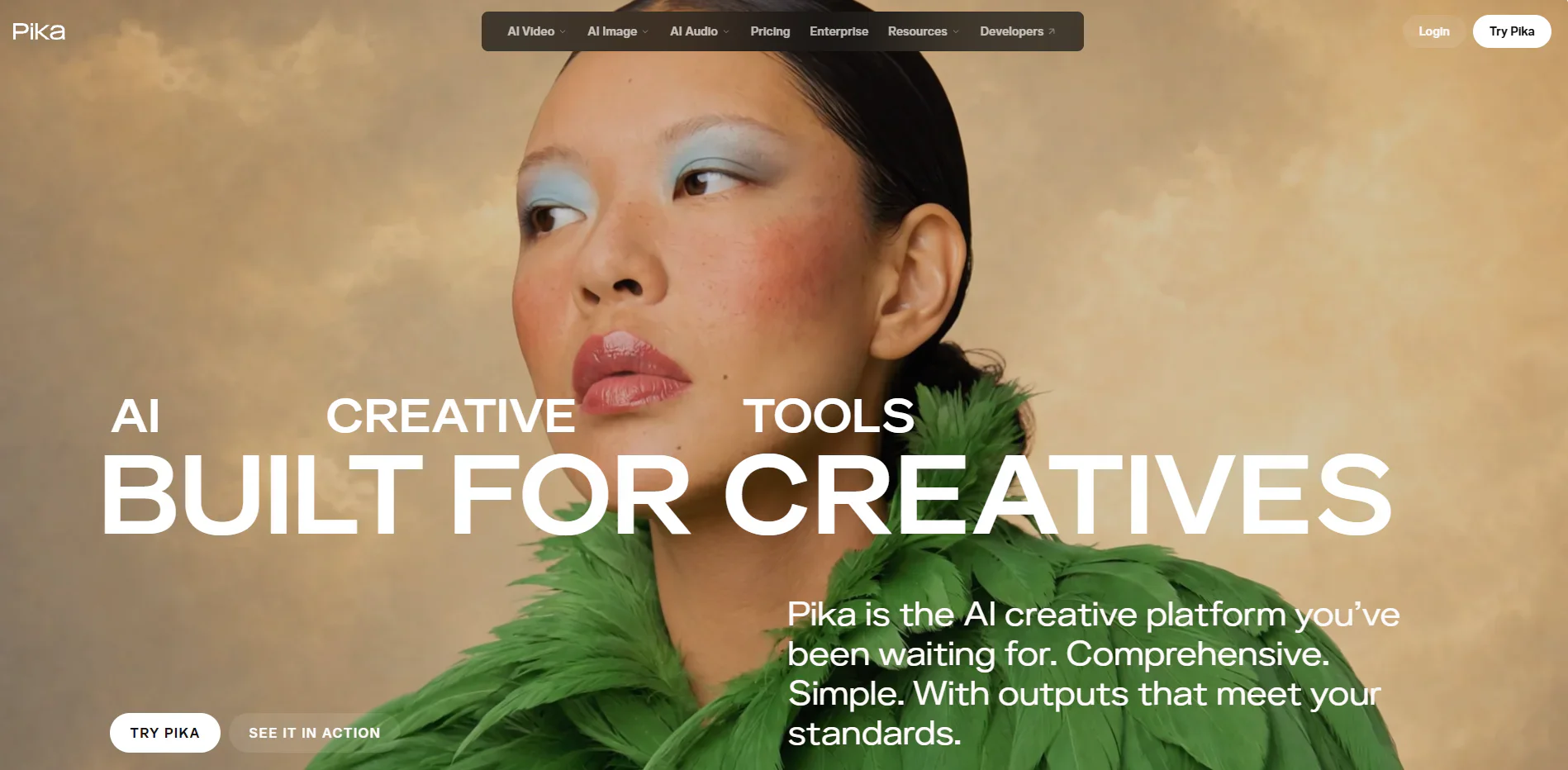
Pika is suited to short-form experiments and quick iterations. Its Free plan is $0 with zero monthly credits; generation requires a purchased top-up pack. That is free account access, not free generation.
Starter is $10 monthly ($8 monthly with annual billing) and includes 900 credits per month. Pika lists watermark-free downloads on all plans, but a commercial license begins at Creator ($35 monthly or $28 monthly with annual billing). Compared with Runway, Pika is simpler for clip experiments but less suited to managing a full production.
Best for: creators producing short-form concepts who prefer a focused interface and optional credit packs.
Runway Alternatives Compared
A concise comparison of entry pricing, free access, and practical workflow fit. All amounts are USD; pricing, access, credits, and promotions can change.
Notes: “Paid entry” shows the lowest publicly stated starting point or directs readers to live pricing where a stable published entry price is not available. “Free access” does not imply unlimited generation or commercial-use rights.
How to Choose the Right Runway Alternative
Choose based on the workflow bottleneck you need to remove:
- You want one project for video, images, music, narration, and editing: choose Flova AI.
- You specifically want Kling's image, video, multi-scene, and native-audio workflow: choose Kling AI.
- You want Veo-specific generation with sound and output up to 4K: choose Google Veo 3.1.
- You want a broad catalog with agent, mobile, API, and MCP options: choose Higgsfield AI.
- You want fast short-form experimentation with optional credit packs: choose Pika.
If your bottleneck is moving from brief to a finished video across several tools, test Flova with one real brief. If your priority is a specific model or a short experimental clip, start with Kling, Veo, Higgsfield, or Pika instead.
Frequently Asked Questions
What is the best overall alternative to Runway AI?
For an end-to-end workflow, Flova is the strongest fit here: idea, storyboard, generation, audio, timeline, and export stay in one project. Runway may be better if you rely on a specific Runway model or edit control. Choose by the work you actually need to finish.
Which Runway alternative offers the best entry-plan value?
Runway Standard is listed at $12 per month with annual billing and 625 monthly credits. Pika Starter is $8 per month annually with 900 monthly credits; Higgsfield Starter is $15 per month annually with 200. Flova publishes plan-specific credits, but its live price is dynamic. Credit units differ by platform, so estimate a typical finished project before calling any plan the best value.
Which Runway alternative is best for teams?
Flova is worth considering when a team needs the same brief, references, storyboard, generated shots, and final edit in one project. Its reusable Skills can document a repeatable process. Check current seat minimums, collaboration features, and the live Team plan price before purchasing.
Can Flova replace Runway for a complete production workflow?
For creators working across video, image, music, narration, and editing, Flova can replace much of the daily Runway workflow inside one project environment. Teams that depend on a particular Runway-only model or post-production feature should test that requirement before migrating fully.
Which alternative is best for watermark-free commercial work?
Flova paid plans explicitly include watermark-free export and commercial use, making the licensing path clear for client and campaign work. Pika removes watermarks on all plans, but commercial licensing begins with Creator rather than Free or Starter. Terms can change, so verify the live plan before publishing paid media.
Is Flova better than a specialist model such as Google Veo 3.1?
They solve different problems. Veo 3.1 is a video model with sound-generation options. Flova organizes an entire production from brief through storyboard, media, audio, and timeline. Choose Veo for model-specific output; choose Flova when project continuity matters more.
What is the best free Runway alternative?
Runway Free offers 125 one-time credits. Google Flow advertises limited free daily credits for Veo 3.1, subject to current availability. Kling and Higgsfield offer limited free access. Pika Free has zero monthly credits but allows top-up purchases. Flova has free or bonus-credit programs whose amounts and validity can change. Check the current plan and license before using any free output commercially.