Higgsfield now spans image, video, voice, editing, and multiple AI models. The best Higgsfield AI alternatives differ less by whether they can generate a clip and more by how they plan projects, manage media, charge for iterations, and license finished work.
This guide compares six platforms by documented workflow, free access, paid usage, and project fit. It is a desk review—not a controlled output-quality test.
Key Takeaways
- Best overall: Flova AI connects a storyboard to image, video, music, narration, and timeline editing, with Skills for repeatable workflows.
- Best for existing business content: ngram turns documents, URLs, recordings, images, and text into branded videos.
- Best established creative suite: Runway combines generative video and image tools with storage, editing, and upscaling.
- Higgsfield remains competitive: It now supports multiple image and video models, voice, editing, and agent-assisted creation. The main comparison point is workflow and credit value, not missing media types.
At a Glance
*Free access and bonus credits are not a paid subscription or a commercial license. Verify the current plan, credit rules, and usage rights before production.
Why Creators Compare Higgsfield AI Alternatives
AI video work is iterative. A creator may generate several versions before the motion, framing, timing, and subject consistency are ready to use. On any credit-based platform, the practical cost therefore depends on more than the advertised subscription price: model choice, clip length, resolution, generation settings, and the number of attempts all matter.
Higgsfield uses credits across a broad toolset, but plan prices and allowances change. A free plan gives limited access; free or bonus credits are a usage balance that may be one-time, promotional, or time-limited. A paid plan adds subscription benefits, while commercial use is a separate license question. Check each provider's current terms before using output in client or paid work.
The most useful comparison criteria are:
- Credit predictability: how clearly a creator can estimate usable output from a plan.
- Workflow breadth: whether image, video, voice, music, editing, and asset management live in one place.
- Production structure: whether the tool supports connected projects instead of isolated generations.
- Format fit: whether the platform is designed for cinematic clips, short-form social content, or business videos.
- Usage rights: whether the selected plan includes watermark-free exports and commercial use.
Our Pick: Flova AI
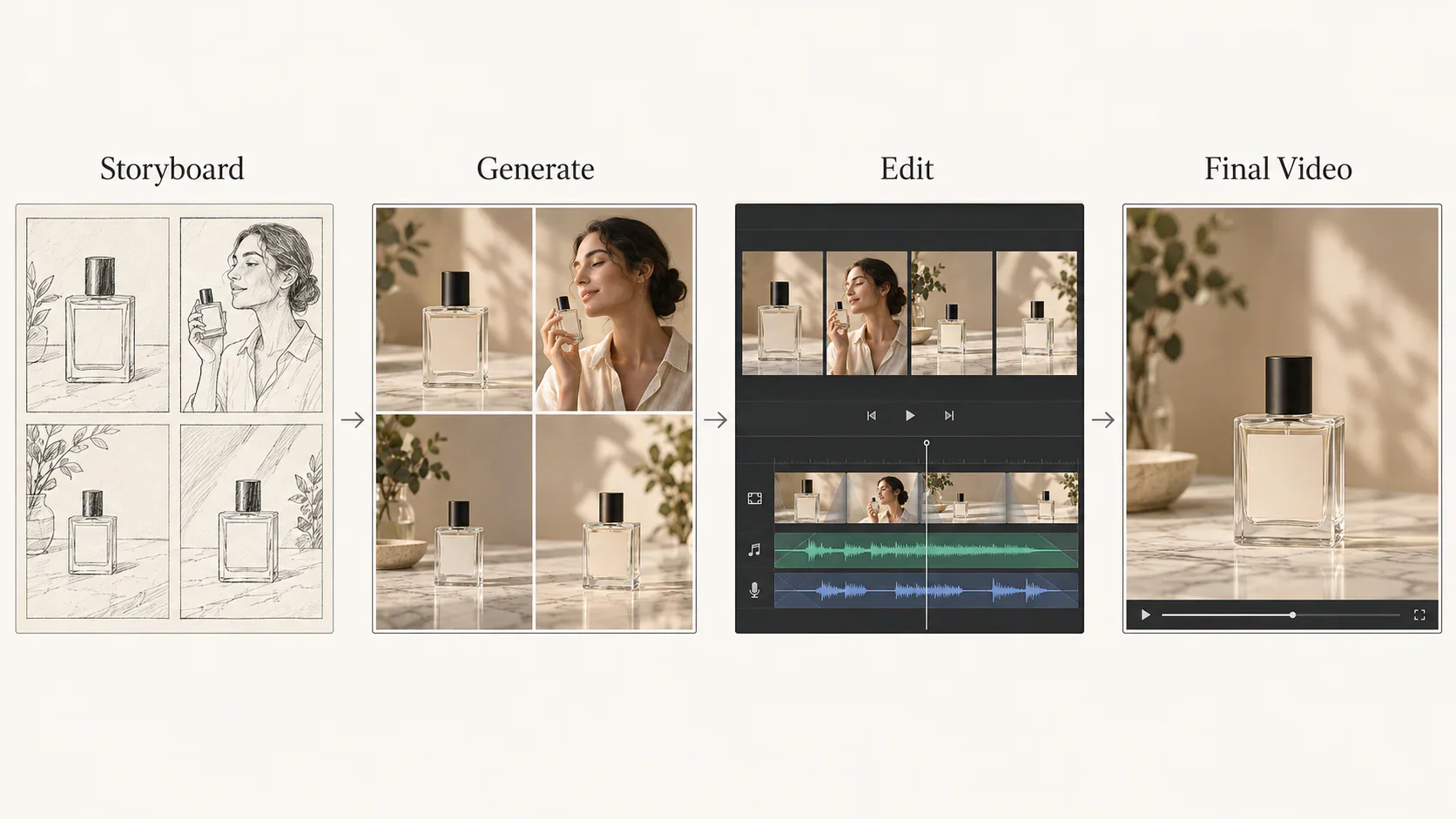
Flova is our editorial pick when a video needs more than isolated clips. Flova Agent can plan a script and shot list, build a storyboard, generate or regenerate images, video, music, and voiceover, then assemble a timeline. Assets stay linked to shots, so a creator can revise one scene without rebuilding the whole project.
Check the current Flova pricing page for subscription tiers and model-level credit costs. A free account or bonus-credit offer is for trying eligible features; it is not a promise of recurring credits or commercial rights. Eligible paid plans list watermark-free export and commercial use. Confirm the selected plan and rights before publishing client work.
Flova also offers reusable Flova Skills for repeatable creative workflows. A Skill guides how Flova Agent handles references, storyboard steps, models, and prompts; the storyboard keeps shots and audio organized, and the timeline turns them into a finished edit. This is a practical distinction for multi-scene campaigns.
Best for: creators and teams who need a connected storyboard, multi-media generation, and an editable final video rather than standalone generations.
How We Evaluated Higgsfield AI Alternatives
This comparison uses publicly available information from each provider's official product, pricing, and help pages as of October 7, 2026. It does not claim identical-prompt testing, laboratory benchmarking, or statistically measured output quality.
Each platform was assessed across four documented criteria:
- Pricing and included usage — the published free allowance, entry paid price, and credit structure.
- Creative scope — the media types and production tools officially offered.
- Workflow fit — whether the platform is optimized for project-based production, business-content transformation, or focused generation.
- Export and usage terms — published watermark, resolution, and commercial-use information where clearly stated.
Qualitative labels such as “best overall” and “best for short-form” are editorial judgments based on that documented fit. Output quality can vary substantially by prompt, source asset, selected model, and generation settings.
The Best Higgsfield AI Alternatives, Ranked
1. Flova AI — Best for Storyboard-to-Edit Production
Flova Agent connects planning, storyboard design, media generation, and timeline editing. Skills can make a process repeatable across projects, while shot-linked images, video, music, and voiceover keep a longer production organized.
Flova may offer free or bonus credits, but their amount and expiry can change. Paid subscriptions provide plan credits and eligible commercial rights. Check the live account and estimate credits for a typical finished project; raw credit totals are not comparable across tools.
Best for: creators building multi-scene videos from a storyboard with image, video, music, voiceover, and editing in one workflow.
2. ngram — Best for Turning Existing Content into Video
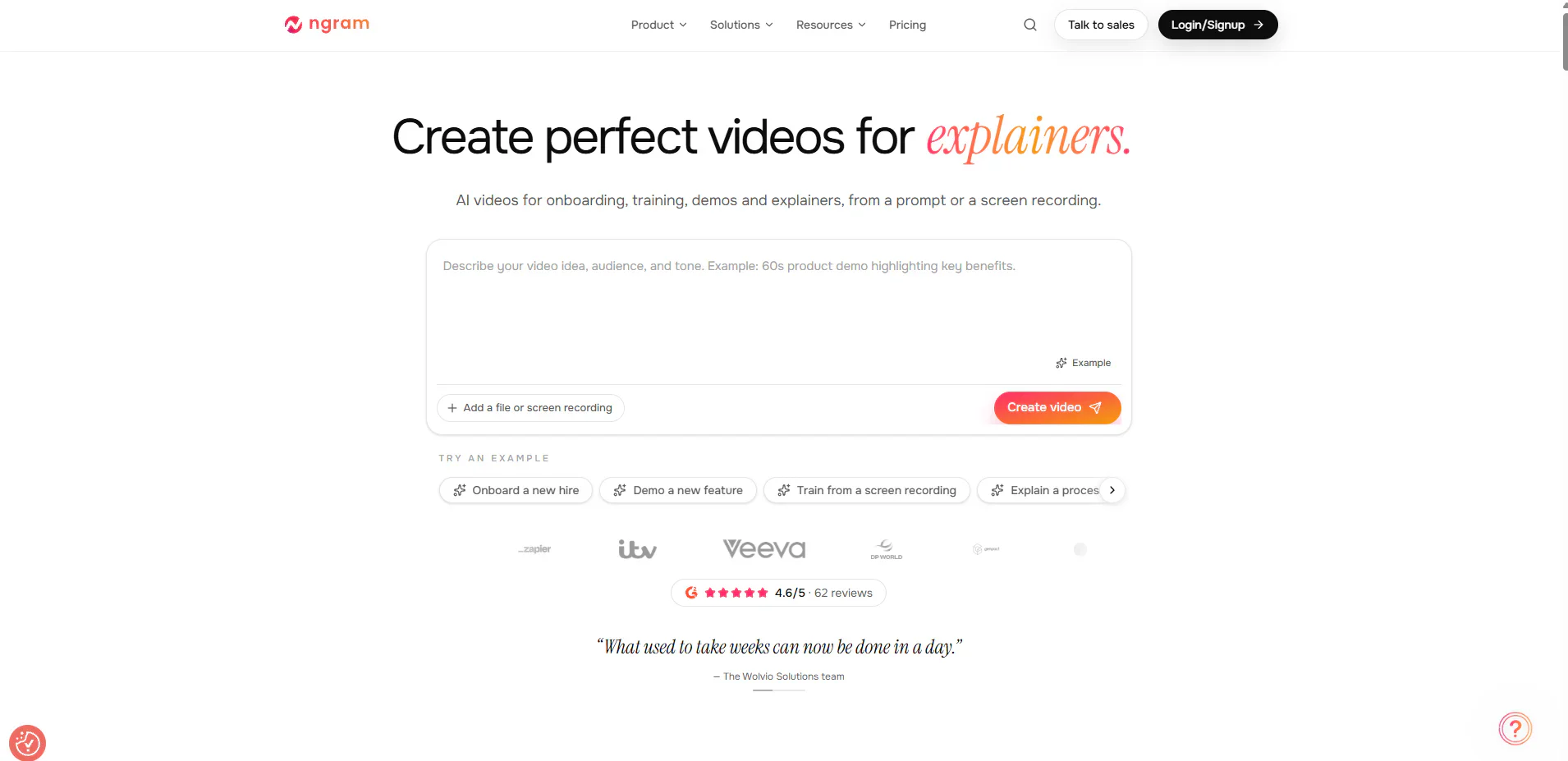
ngram starts with material a business already has. It accepts documents, URLs, screen recordings, voice, images, and text, then helps turn them into a storyboard with voiceover, music, captions, and brand styling. It also supports common landscape, portrait, and square formats.
The Free plan currently includes 600 one-time credits and 720p output. The Basic plan is listed at $23.20 per month when billed annually, with 3,000 monthly credits and 720p output. Premium raises the published resolution to 1080p and adds advanced models plus brand features.
Best for: marketing, sales, training, and enablement teams repurposing existing information into branded videos.
3. Runway — Best Established Creative Suite
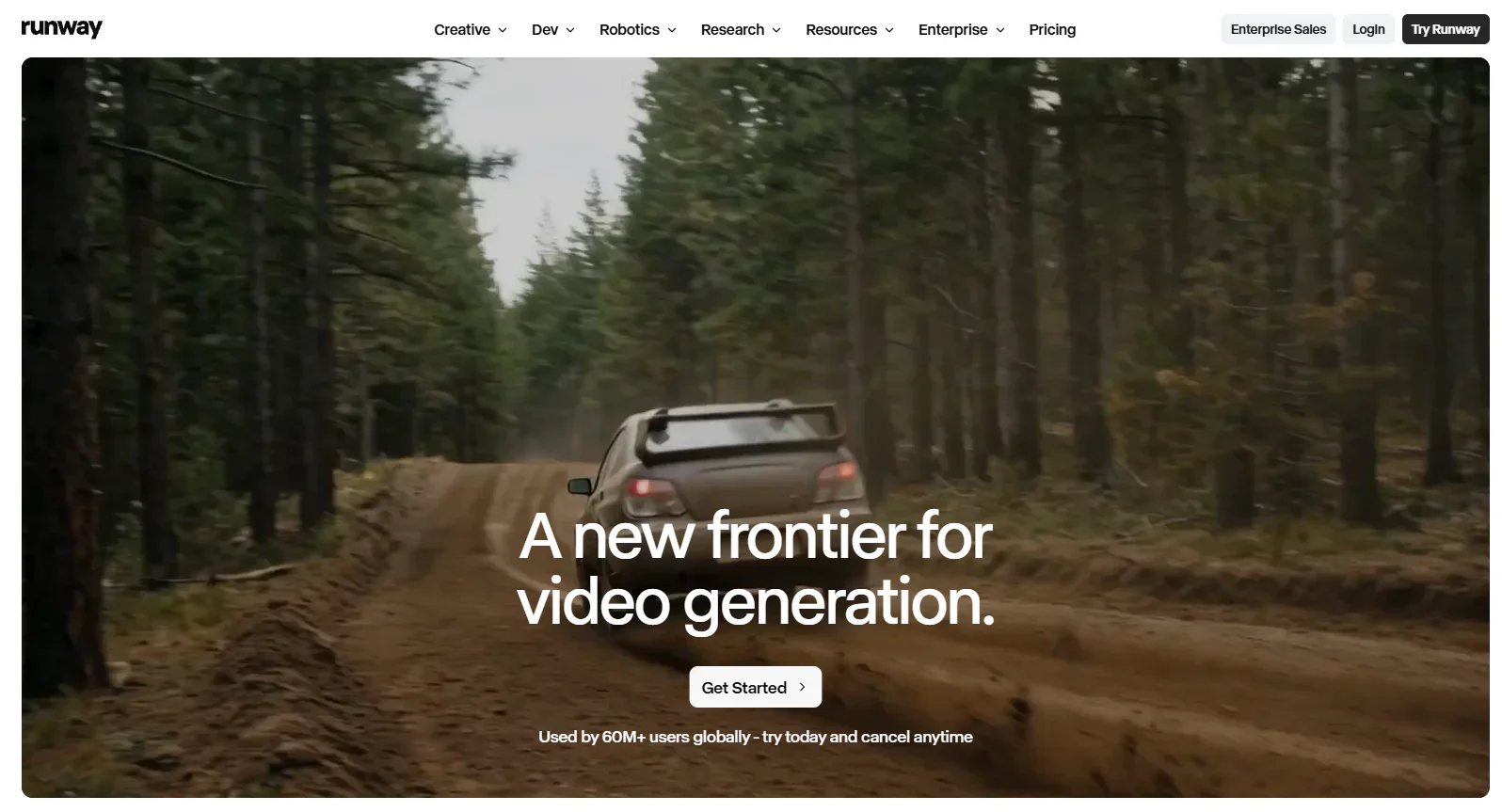
Runway combines generative video and image tools with editing, storage, audio features, and output upscaling. Its product range makes it a practical choice for creators who want a broad suite rather than a single-purpose generator.
Runway Free includes 125 one-time credits and 5 GB of storage. Standard is listed at $12 per month when billed annually and includes 625 monthly credits, access to its AI video and image models, watermark removal, 4K upscaling, audio tools, and 20 GB of storage.
Best for: creators who value a mature creative suite with generation and post-production tools in one account.
4. Kling AI — Best for Image, Video, and Native Audio
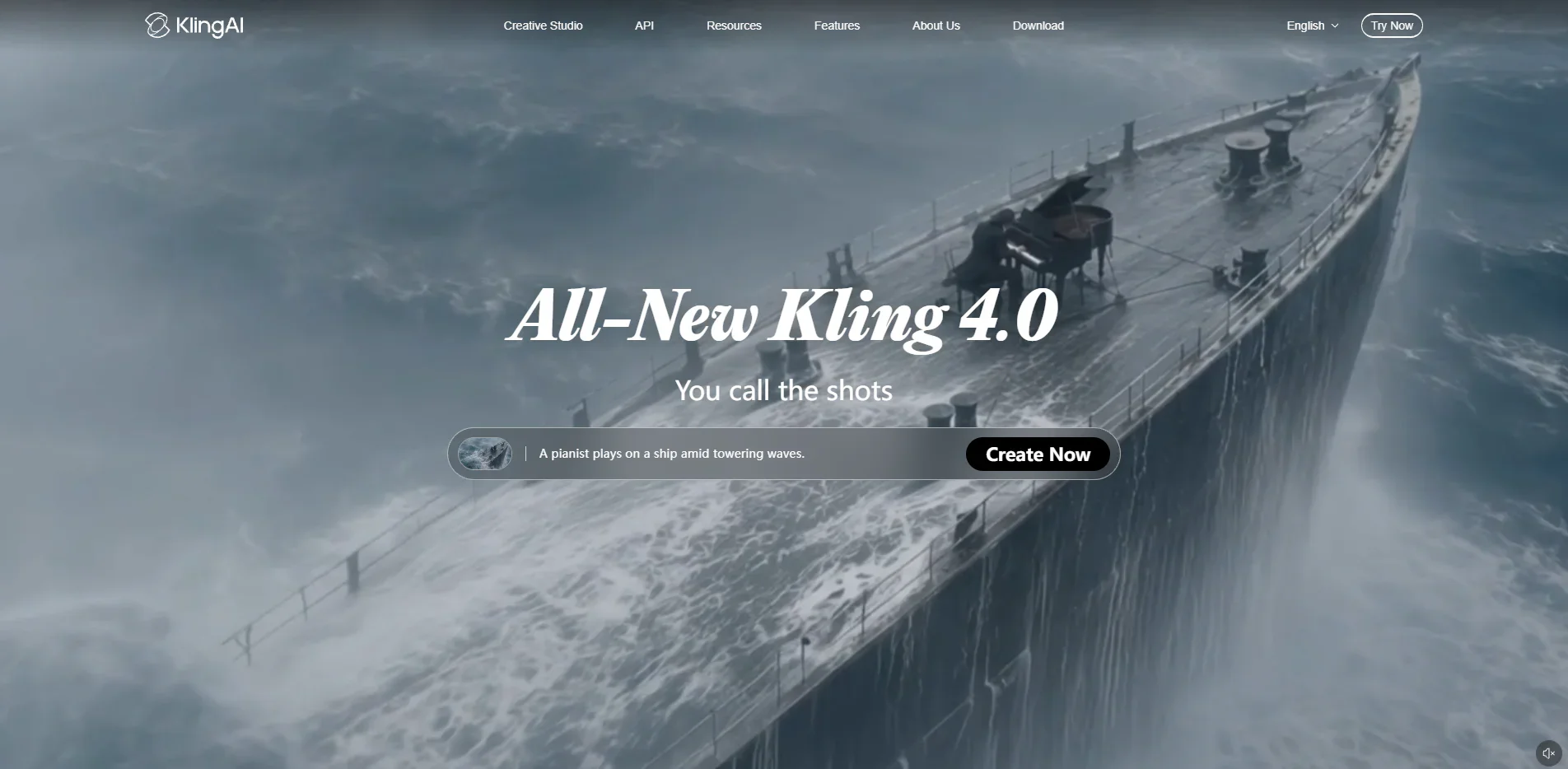
Kling AI is not limited to video generation. Its current platform presents both image and video creation, while the Kling 3.0 series advertises multimodal instruction handling, multi-scene transitions, and native audio.
Kling offers limited free access and paid subscription options, but prices and allowances can vary by market and promotion. Check the live account pricing before calculating production cost.
Best for: creators focused on visual generation who want image, video, and audio capabilities within the Kling ecosystem.
5. Pika — Best for Short-Form Creative Experiments
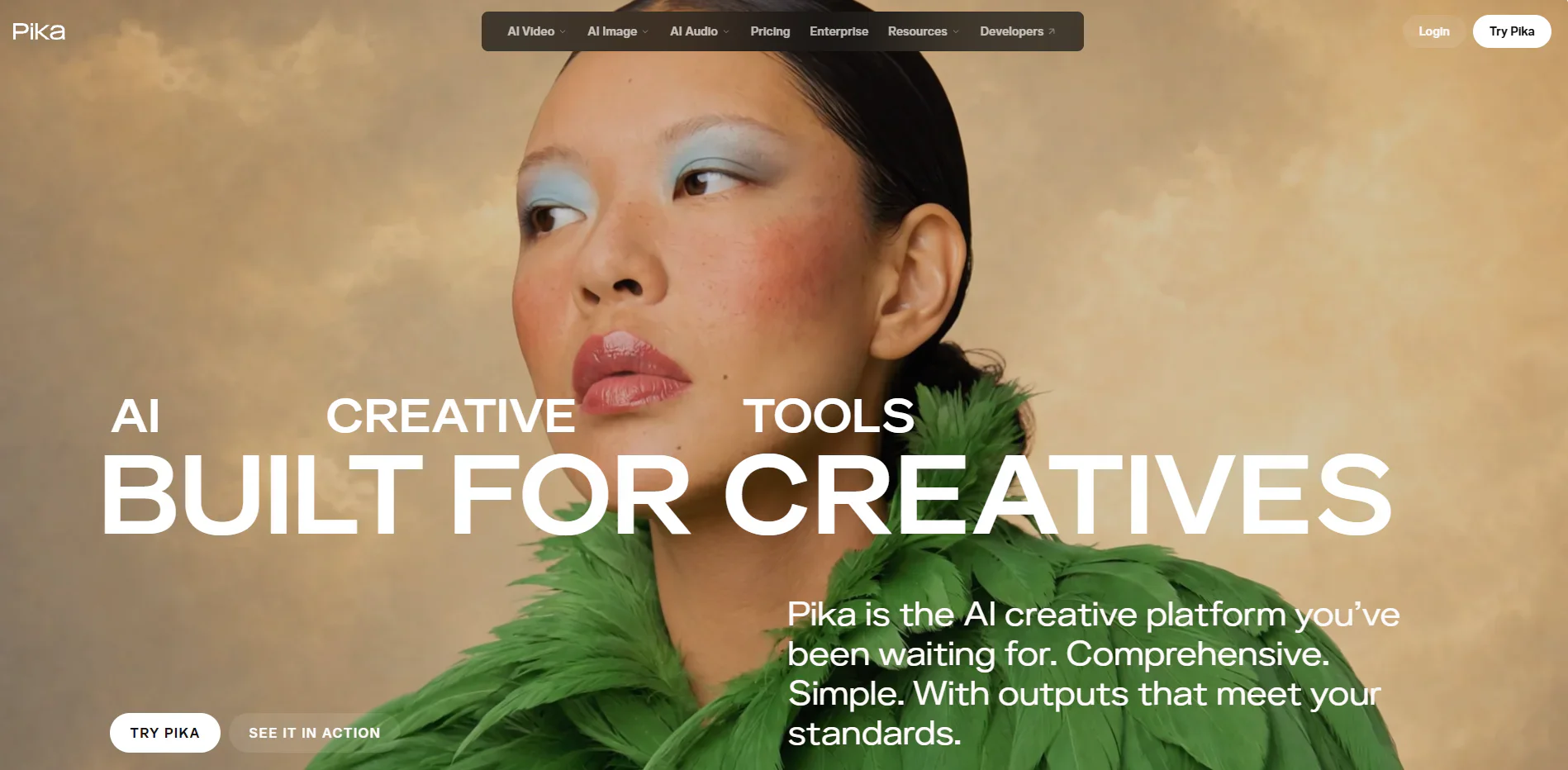
Pika suits fast, short-form video and image experiments. Its Free plan has zero recurring monthly credits; purchased credit packs can enable generation, but the Free plan does not include a commercial license.
Starter is listed at $10 per month or $8 per month when billed annually, with 900 monthly credits. All plans advertise watermark-free downloads. Commercial licensing begins with Creator, listed at $35 monthly or $28 monthly with annual billing.
Best for: creators making short-form visual concepts who prefer a focused workflow and optional credit packs.
Higgsfield AI Alternatives: Free Access, Paid Plans, and Workflow
*This table separates access, credits, subscription plans, and rights. Paid status alone does not imply identical export or licensing terms; verify the live plan.
Quality and Workflow Tradeoffs
No responsible ranking can declare a universal winner for realism or motion quality without a controlled test. Results change with the model, prompt, reference asset, duration, aspect ratio, resolution, and platform settings.
The documented workflow differences are clearer:
- Flova AI: strongest fit for connected, repeatable projects spanning several media types.
- ngram: strongest fit for transforming approved business material into branded video.
- Runway: broad creative toolkit with generation, editing, storage, and upscaling.
- Kling AI: focused image and video ecosystem with native audio in its current model series.
- Pika: compact workflow for fast short-form concepts and effects.
- Higgsfield AI: broad multi-model creation with agent, mobile, and integration options.
For a fair quality comparison, test every shortlisted platform with the same source image, prompt, duration, aspect ratio, and output resolution. Record both usable outputs and total credits consumed—not only the best-looking result.
Which Higgsfield AI Alternative Fits Your Workflow?
- Best overall for structured multi-media production: Flova AI
- Best for turning documents and URLs into video: ngram
- Best broad creative suite: Runway
- Best Kling-native image and video workflow: Kling AI
- Best for short-form experimentation: Pika
- Best for staying within the existing ecosystem: Higgsfield AI
Pricing alone should not decide the purchase. Estimate the number of iterations required for one finished asset, then compare the effective cost of a usable result. A lower entry price can still be poor value if the workflow creates more retries or requires several additional subscriptions.
Frequently Asked Questions
Is Flova AI cheaper than Higgsfield AI?
Neither headline subscription price nor raw credit count proves which tool is cheaper. Flova and Higgsfield use different models, settings, and credit rates; compare the cost of the same finished video, including retries. Check current plans before budgeting.
Which alternative is best for high-volume production?
For multi-scene work, Flova's storyboard, Skills, shot-linked assets, and timeline help keep repeated production organized. For teams repurposing documents and URLs into branded video, ngram may fit better. Test credit consumption on a representative project before choosing a high-volume plan.
Which tools support more than video generation?
Flova, Runway, Kling AI, and Higgsfield all document capabilities beyond basic text-to-video. Their current offerings include combinations of image generation, audio or voice, editing, upscaling, and project tools. ngram adds voiceover, music, captions, and branding to content-to-video workflows.
Can Higgsfield prompts be reused in another tool?
The underlying scene description can usually be reused because these platforms accept natural-language instructions. However, camera controls, reference handling, negative prompts, duration settings, and model-specific syntax differ. Treat an existing prompt as a starting brief and adapt it for the destination platform.
Is Higgsfield a single-model platform?
No. Higgsfield's current product and pricing pages show multiple image and video models alongside voice, editing, upscaling, and agent-assisted tools. Describing it as a single-model is outdated.